How do SCIM and AI agents fit together?
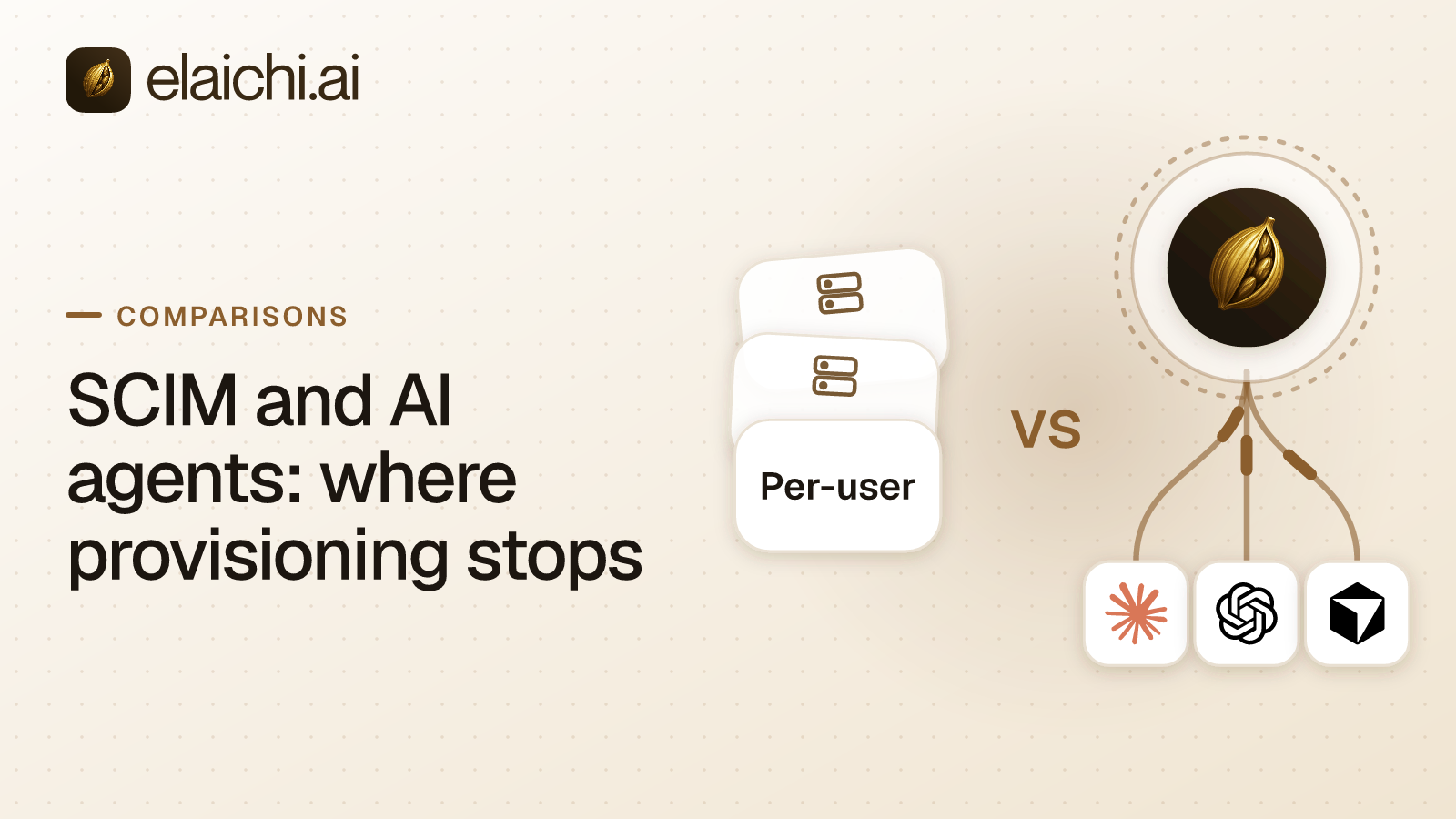
SCIM and AI agents meet at one point: the person's account. SCIM (System for Cross-domain Identity Management) is the standard an identity provider uses to manage that account. It creates the account in each application, keeps its groups current and deactivates it when the person leaves. It never says which tool an agent may call, with which arguments, or against which connected account. That decision belongs to the system that serves the tools. MCP (Model Context Protocol) is the standard way an AI assistant calls tools in other apps.
The gap shows up like this. Support and finance get Claude and ChatGPT. Sign-in runs through the company identity provider, SCIM pushes the directory into every application, and the access review closes. Three weeks later a Salesforce opportunity changes owner overnight. Nothing in the identity provider's logs says which assistant did it, under whose account, or against which connected workspace.
Both layers are needed, and neither substitutes for the other. A person exercises judgment before running a command; a model follows the instruction it was handed. The directory is the right source of truth for identity and the wrong place to express a tool rule.
What does SCIM handle well?
SCIM handles joiner, mover and leaver, and it handles them better than anything you would build in-house. Keep it.
The protocol standard describes SCIM as an HTTP-based protocol for provisioning and managing identity data. It covers creating, changing, retrieving and discovering users and groups (RFC 7644). Microsoft describes provisioning in Entra ID in similar terms. It means creating user identities and roles in the apps people need, then maintaining and removing them as status or roles change (Microsoft Learn).
In practice a new hire has accounts on day one. A department change updates groups everywhere. A termination deactivates accounts across every application SCIM reaches, without a ticket.
Elaichi supports SCIM v2 for users and groups, with group-to-role mapping, alongside SAML and OIDC single sign-on (SSO, one company login across applications). The single sign-on is built in-house rather than bought from an auth vendor. There are four onboarding paths in total: emailed single-use invite links with roles and teams pre-assigned, verified-domain auto-join with a configurable default role, SCIM provisioning, and just-in-time SSO. Use SCIM for employees and invite links for anyone the directory does not hold.
What can an identity provider not see in a tool call?
It cannot see the call itself, because the call never passes through it. An identity provider sees authentication and directory state, and a tool call is neither.
| Question the auditor asks | SCIM / identity provider | Elaichi grants and restrictions |
|---|---|---|
| Who is this person? | Directory of record | Reads from the directory of record |
| Are they still an employee? | Deprovision flag | Refuses the next call once the grant is revoked |
| What group are they in? | Group membership | Mapped to at most one role |
| Which tool can they invoke? | No standard field for it | A role, plus restrictions on a role or a user |
| Which connected account is used? | Not represented | A sharing grant on that connection |
| Who picked the amount? | Not represented | Frozen parameters, set by an admin |
| What did the agent do, and where? | Not represented | Audit trail with one entry for each connected-tool call that reaches execution (a call refused earlier writes none) |
After sign-in, the client holds an OAuth grant: an authorization to act for the user, issued at sign-in and revocable. Under the MCP specification, a protected MCP server acts as an OAuth 2.1 resource server, and the client makes requests on the user's behalf (MCP authorization spec). Calls go to an endpoint, one network address that accepts them. Elaichi serves one for the whole organization at POST /mcp. Each call names a tool, a set of arguments and a connected third-party account.
Group membership encodes none of those three. SCIM's core schema does define free-form roles and entitlements attributes on a user, but it specifies no vocabulary or syntax for either (RFC 7643). Membership in a Finance group does not say whether a member may run a refund tool. It does not say which of two connected Xero organizations the call lands in. It does not say whether the model chose the amount or an administrator fixed it. An agent that reads a record and an agent that deletes it travel the same authenticated path.
There is a quick test. Take one record change made by an assistant last week and look for it in your sign-in logs. If the tool name and the account are both there, you can stop reading.
What has to be decided below group membership?
Four things: the role, the reach, the arguments and the account. The directory has already spoken by the time any of them comes up.
Role. Elaichi gives each member exactly one role, enforced by a unique index, so every role is a complete persona instead of a stack of add-ons. Roles group 58 action strings such as tool:execute, restriction:manage and audit:view. That is role-based access control, or RBAC. The tool:execute permission gates the whole endpoint ahead of every other check. Without it, tools/list comes back empty and a call returns an in-band error naming the permission. Guest, Auditor and Billing Admin do not have it.
Reach. A restriction says which connectors and which individual tools a target may reach. The rules on targets are strict: restriction targets are role or user only; the organization default is the absence of a rule, which means allow everything. A rule aimed at a member can only narrow what their role allows, and never replaces or loosens a role rule. Within each layer, blocks always beat allows. One trap catches people: the allowlist stage engages on the presence of an allow rule, not its contents, so an allow rule that names nothing denies everything. A block can match either a tool's name or its underlying operation. An allow matches the operation only, because whoever edits a connector's documentation can rename a tool. Enforcement runs at every place a member can reach a connector or tool, including listing, connecting, advertising, executing, the final outbound-request check and opening a stored tool file. Why an allow binds the operation and not the name sets out the reasoning.
Arguments. Frozen parameters pin values inside a tool's argument space, so an administrator owns a field instead of the model. A frozen key is stripped from the schema the model is shown. At execution the frozen value is merged over whatever the caller sent, so supplying the key anyway changes nothing. Entry defaults lose to caller arguments, and caller arguments lose to frozen parameters. Use frozen parameters for the sending domain, the ledger account, or the workspace a ticket has to land in.
Account. Sharing is one building block: a grant of view, use or edit on a resource to a user, a team or the whole organization. A member's view holds only what they own and what others have shared with them. No organization-level permission widens that listing, org owners and admins included.
How does Elaichi use the directory instead of replacing it?
The directory sets who someone is and which role they get. Elaichi sets what that role may reach, and records what it did.
Group-to-role mapping turns an existing group into an Elaichi role, so the joiner and mover flows you already run keep working. Clients then point at one address. Nothing is created per person or per team: there is no separate toolbox URL and no token embedded in a link. A toolbox here is a saved collection of configured tool entries.
An admin adds that address once where the client allows it, and each member then connects with their own sign-in. In Claude Team and Enterprise, an owner adds it under Organization settings > Connectors, and members connect it under Customize > Connectors (Claude Help Center). In Cursor, the admin MCP allowlist is Enterprise only and does not push a server to anyone's machine, so each developer still adds it (Cursor docs). The ChatGPT steps are in the ChatGPT setup guide, and the comparison with built-in AI connectors covers why one address matters.
Credentials do not live in Elaichi. Per-account secrets are kept by a separate credential service, AES-256-GCM encrypted at rest, which also owns token refresh. If a refresh fails, the connection shows needs_reauth rather than breaking without a word. The catalog is 600+ connectors. Elaichi authors and serves most of them, and the rest are vendors' own MCP servers that Elaichi staff publish and each organization governs. The current list sits on the connector directory.
When does a deprovision actually stop an agent's tool calls?
On the next call. When the identity provider deactivates or deletes a user over SCIM, Elaichi suspends that member, and suspending revokes every live grant in the same step. A role change or a restriction change takes about two minutes, because the change waits out a 60-second cache and then reaches the edge, on MCP, the console and the REST API alike. Write both numbers into the runbook, because they are not the same number.
The OAuth grant is checked with no cache. Its revoked_at value is re-read from the organization store on every single call. In Elaichi, removing or suspending a member revokes every live grant in the same transaction as the membership change.
SCIM itself leaves the meaning of deactivation to each application. RFC 7643 defines a user's active flag as an administrative status whose definitive meaning is set by the service provider (RFC 7643). So test what it does in your rollout. Deactivate a test user in the identity provider, then confirm the member shows as suspended and the next call fails.
SCIM suspends the member but never removes them. Removal is a separate step an admin takes in Elaichi, and it runs a preflight. Any private connection that a shared toolbox depends on must be dealt with first: transferred to another active member, or deleted. Otherwise the removal is refused. A transfer goes to one member and never to a team or the organization, and sharing with more people is a separate step. A private connection that nothing beyond the member depends on cannot be transferred and is deleted with the member. Delegated toolbox entries raise a non-blocking warning, and re-pinning the entry is the fix. The contractor offboarding runbook walks through the same shape for contractors.
What does the audit trail record that a sign-in log cannot?
It records the tool call. Elaichi keeps one entry for each connected-tool call that reaches execution (a call refused earlier writes none). An audit log here is the chronological, org-visible record of what was done and by whom.
The connection on each entry is the account the call actually reached, not the one it was aimed at. After an unexpected change, the first question is which of two connected Salesforce workspaces the agent wrote to. The actor_kind field is stored at the point of action, not inferred later from a user agent. Its values include user, system, staff, scim, api_token and ai_assistant, which marks only the Elaichi Agent. A call from an MCP client is recorded under the person who signed in, with surface mcp and the OAuth client named.
A record names the operation, the tool and the connection. It also holds the call's classification, whether it was approved, how it ended, and an error code, never the remote error text. The trail logs the one path argument that names the object, as the target id, and nothing else about the arguments. Audit events and application logs share one record shape, so a single query answers what happened instead of two systems being correlated by eye. Every region's audit trail is stored in one EU log instance, and each organization's records are kept apart by the type system rather than by a WHERE clause. A dropped clause leaks, while a wrong scope returns nothing.
The trail is append-only, newest-first and cursor-paginated, filterable by free text, category, actor, action kind and time. It is eventually consistent, so a row can take a moment to appear. Export can forward the trail to your own destination. In Elaichi, export to your own Datadog comes with the Black plan, which is launching soon. Elaichi accepts Splunk HEC and Microsoft Sentinel as destinations but delivers events only to Datadog. A reviewer who only reads does not cost a license, because Auditor is a free seat. One honest gap: deleting an organization deletes its connector credentials but leaves three stores: the audit history, analytics events, and the credential service's organization, environment and installed-connector configuration rows. Elaichi reports that residue by name. The rest of the controls are listed on the security page.
When is your identity provider enough on its own?
When no assistant in your company holds a connected account that can write. In that case SCIM is enough, so add nothing.
That case is real. Two engineers running a read-only MCP server locally do not need a control plane. Neither does an internal agent that only queries public documentation, or a sales assistant that can only read a knowledge base. The honest threshold is written up in the post on not needing a gateway yet. Revisit it when the first write tool goes live, or when the second person asks for access to the same account.
Know one limitation before you buy anything. The prompt-injection write gate lives in the Elaichi agent window and does not apply to a raw tool call. It cannot apply there, because an MCP server never sees a user prompt. What does hold on the endpoint is per-operation permissions, the forbidden classification that no OAuth scope can reach, output redaction, scope limits and an audit row for each call that reaches execution.
Region is chosen when the organization is created. Elaichi has three regions, eu, us and apac, fixed once chosen. For EU and US, the organization's data store and the execution of its org-scoped requests and tool calls stay in that jurisdiction. APAC uses best-effort placement and is not a residency guarantee. User accounts, sign-in sessions, API tokens, SSO settings and MCP OAuth token records are kept globally. The audit trail is stored in one EU log instance for every region. Gold lists at $15 per user per month, or $120 per user per year, in USD, and pricing shows the price in your region. Black is the other plan, and there is a 14-day trial, no credit card to start. Checkout does collect a card, and it sets the paid trial to the remaining days rather than granting a fresh 14, so it is one continuous trial rather than two.
Which layer sets what, from sign-in to a tool call?
Each layer decides one thing, and the layers run on different clocks. Read the table in the order a new member meets them.
| Layer | Where it is set | What it decides | When a change applies |
|---|---|---|---|
| SSO (SAML or OIDC) | Your identity provider and Elaichi | Who can sign in; an organization that enforces SSO refuses other sign-in methods | At the next sign-in |
| Default role | Elaichi, on each verified domain and SSO connection | The role a new member gets; Member when none is set | When they join |
| SCIM v2 users and groups | Your identity provider | Joiners and leavers; a group mapping can confer at most one role, and never sets team membership | At the next sync |
| Restriction on a role | Elaichi | Which connectors and tools that role may reach | Within about two minutes |
| OAuth grant | Each AI client's sign-in | Which client acts for which person, with which scopes | When the person signs in or reconnects |
| Deprovision | Your identity provider, through SCIM | Suspends the member and revokes every live grant | In the same transaction as the suspension |
SSO, SCIM and group-to-role mapping are Gold features. Team membership is set separately, by invite or by an admin, because SCIM and group mapping never set it.
How do you set up SCIM and tool-level control together?
Do it in this order, because each step depends on the one before it.
- Map directory groups to Elaichi roles. Each member ends up with exactly one role, so pick the group that describes the whole job, not a side function.
- Connect each account a team needs. The member who connects an account owns that connection, and sharing it at use with a person, a team or the whole organization is what lets others call through it. A member sees only what they own or what was shared with them.
- Write restrictions against roles first, and use an access request, approved by an admin, for a named exception.
- Freeze the arguments the model should not pick, such as the sending domain or the ledger account.
- Add the endpoint once in each AI client that allows it, then have each member connect and sign in.
- Rehearse a leaver end to end: deactivate a test user, run the offboarding preflight, and confirm the audit trail names the account that was reached.
Team-by-team starting points are on the use cases page. Role design gets its own treatment under governance, and the other side-by-side write-ups sit under comparisons.