Claude and ChatGPT connectors or one endpoint: what are you choosing?
Claude and ChatGPT connectors are the right call while one AI client and a few apps cover the work. Once a second client repeats the same setup, one organization-wide MCP endpoint costs less to run and is easier to account for.
Support bought ChatGPT Enterprise in March. Engineering has run Cursor for a year. Legal now wants Claude. That is three clients, three connector setups and three sets of records to reconcile when something goes wrong.
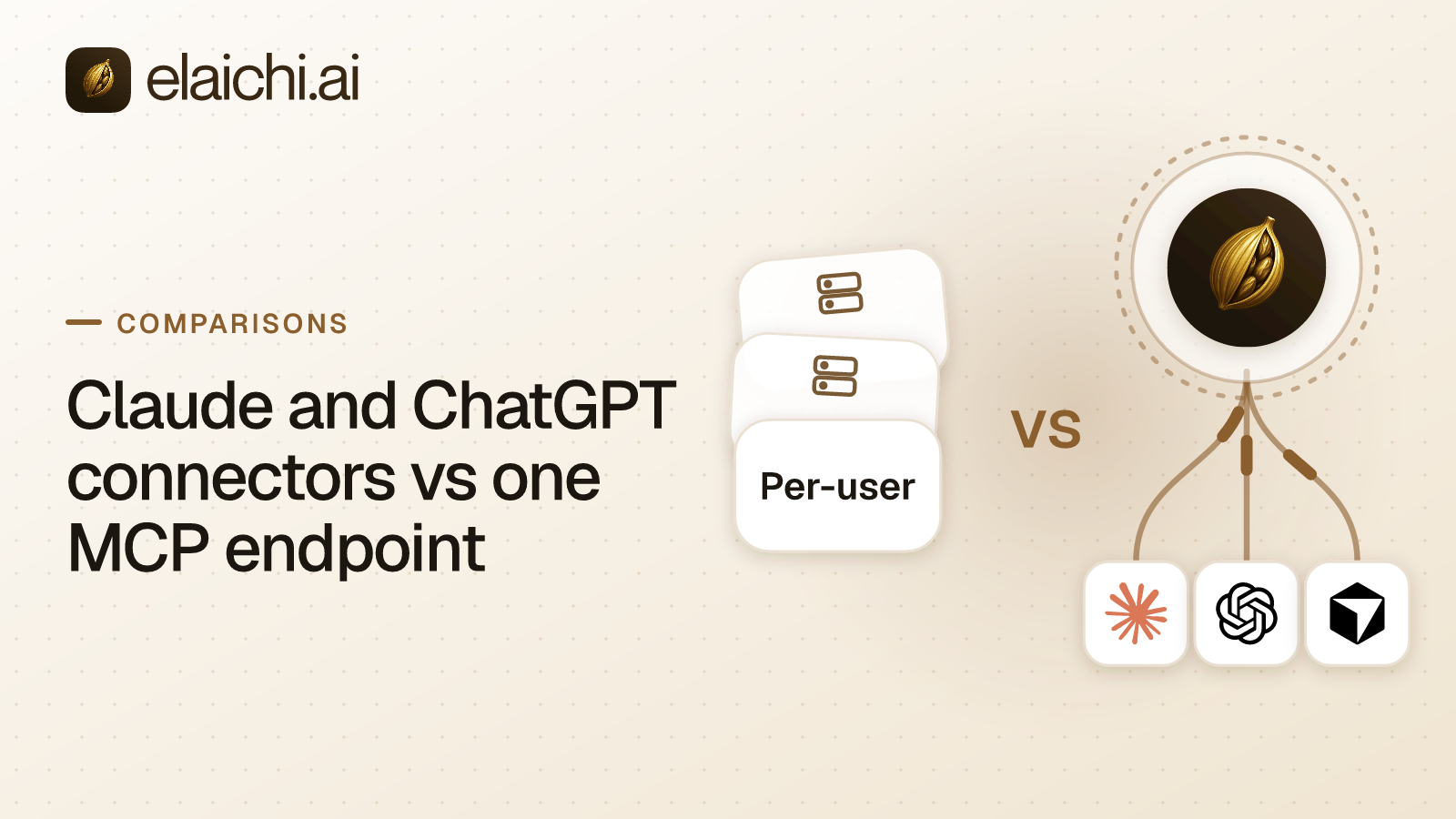
The comparison is between two shapes, not two feature lists. A native connector system lives inside one AI client, set up there for that client's users. Elaichi is one organization-wide MCP endpoint that Claude, ChatGPT, Cursor and any other MCP client all point at. MCP (Model Context Protocol) is the standard way an AI assistant calls tools in other apps, and its specification is public. An endpoint is the single address a client connects to. Elaichi's is POST /mcp: standard MCP over Streamable HTTP, JSON-RPC 2.0, stateless, behind OAuth. OAuth here means each person signs in and receives their own grant, which can be revoked without touching anyone else's.
With one client, the two shapes are close to equivalent: one console, one setup, one place to look. The gap opens on the second client, because accounts, member lists, roles and records then exist once per client rather than once per company. That holds whether the organization-wide plane is Elaichi or another MCP gateway.
| Concern | Each client's own connectors | One endpoint for every client (Elaichi) |
|---|---|---|
| Member setup | Each member attaches each app inside each client, with their own account | Each member connects the one URL once per client and signs in over OAuth |
| A second client | Accounts, member lists and rules are set up again in the new console | The new client points at the same URL; accounts, roles and restrictions already exist |
| Pinned arguments | Whatever that client's console offers; ask before relying on it | Frozen parameters, left out of the model's schema and merged over its arguments |
| Audit | Each client records only the calls made through it | One trail across every client, and each row names the account reached and the client the call came through |
| Leavers | One cleanup per client, and per app the person attached in it | Grants revoked on the next call; a preflight catches personal connections still in use |
What do Claude's, ChatGPT's and Cursor's own connectors give you?
Speed, and access defined one person at a time inside that client. A member picks an app and signs in with an account they control, and the grant from that sign-in sits against that person.
A finance manager attaches Claude to the billing system on a Tuesday. By Friday four colleagues have done the same, each with a personal account. Nothing is broken, and nothing is visible either. Where each person signs in to each app inside their own ChatGPT session, the shape is the same: the unit of control is the person. Ten people and six apps make sixty separate decisions per client, none of them written down together. Two people can attach different accounts of the same app, and nobody notices until a record lands in the wrong workspace.
Each client takes a custom connector, such as one organization-wide URL, in its own way. In Claude Team and Enterprise, an owner adds it under Organization settings > Connectors > Add > Custom > Web. Members then connect it under Customize > Connectors. On Claude Pro and Max, each person adds it under Customize > Connectors > "+" > Add custom connector (Claude's help center, checked September 2026). In Cursor, the admin MCP allowlist is Enterprise only, and it does not put a server on anyone's machine. Admins publish the approved server through a team marketplace, and each developer still adds it in their own Cursor (Cursor docs, checked September 2026). The ChatGPT steps are in connecting ChatGPT to Elaichi. In every client, each member still connects once.
Before settling on native, put four questions to each client's admin settings, and date each answer:
- Can you restrict a single tool, or only a whole connected app?
- Can you list, in one place, which members attached which accounts?
- Does the record of a tool call name the account reached, and whether an assistant made the call?
- When someone leaves your identity provider, when exactly does their tool access stop?
An answer that meets your requirement is a fine reason to stay native, once it is written down.
What do ChatGPT Enterprise and Claude Enterprise admins control?
Both consoles approve apps for the whole workspace, and Claude also sets permissions per tool. Neither console reaches the other vendor's client.
In Claude Team and Enterprise, directory connectors stay off until an Owner or Primary Owner adds them. Adding one connects nobody, since each member still signs in (Anthropic's connector guide, checked October 2026). On Team, a member sees a Request button on a directory connector, and an Owner enables or dismisses the request (Claude's connector directory docs, checked October 2026). Custom connectors, such as one organization-wide MCP URL, are added by Owners and Primary Owners. On Enterprise, a custom role with Libraries (Manage) can add one too (Anthropic on custom connectors, checked October 2026). Owners set tool permissions per connector, per group of tools or per tool: Always allow, Needs approval or Blocked. On Enterprise, the Compliance API, which the Primary Owner turns on, records members connecting and disconnecting a connector (Anthropic's Compliance API reference, checked October 2026). Anthropic says those permissions do not govern connectors a member runs locally on their own machine (Anthropic on custom roles, checked October 2026).
In ChatGPT, apps now sit inside plugins, managed in the Admin Console under the workspace, then Plugins. That path was read in October 2026, and OpenAI keeps moving it (OpenAI on admin controls for plugins and apps, checked October 2026). Each app is on or off for the whole workspace on Business, Enterprise and Edu. Different apps for different teams is Enterprise and Edu only, through custom roles assigned to groups. Roles add up, so any role granting an app grants it, and changes take up to 5 minutes (OpenAI on role-based access control, checked October 2026). Per-app Actions switch read and write actions on separately. Plugin permissions decide when ChatGPT asks first: Always ask, Allow read actions, Allow low-risk actions, and, per app only, Allow all actions (OpenAI on app permissions, checked October 2026). Only Admins and Owners publish a custom MCP app (OpenAI on developer mode and MCP apps, checked October 2026). The Compliance Logs Platform is Enterprise and Edu only, and no tool-name field is documented in its app events (OpenAI's admin API reference, checked October 2026).
| Question | ChatGPT Enterprise | Claude Enterprise | One governed MCP endpoint (Elaichi) |
|---|---|---|---|
| Who approves an app | Admins and Owners, in the Admin Console | Owners and Primary Owners, plus a custom role with Libraries (Manage) | An admin connects the account and writes the restrictions |
| Different apps per team | Enterprise and Edu only, through custom roles on groups | Custom roles narrow tool permissions further, Enterprise only | Restrictions written per role, with access requests for exceptions |
| Control below the app | Per-app Actions, on or off | Per tool: Always allow, Needs approval or Blocked | Per connector or per single tool, plus frozen arguments |
| Read versus write | Read and write actions switched separately per app | Set per tool, by the Owner | An allow rule naming read tools, or blocks on the write tools |
| The record of a call | Compliance Logs Platform, Enterprise and Edu only, no documented tool-name field | Compliance API records connector connect and disconnect events, Enterprise only | One trail naming the person, the account reached and the OAuth client |
| A second AI client | Covers ChatGPT only | Covers Claude only | The same URL, the same roles, the same trail |
The two layers meet in one place. To ChatGPT, Elaichi is one custom app, and its tools are search_tools, execute_tool and Elaichi's own operations, because connected tools are never listed one by one, however few there are. So ChatGPT's per-action switches cannot tell one connected app or tool behind Elaichi from another. In Claude, a tool permission on execute_tool covers every connected tool at once. Do not set the Elaichi app to read actions only and expect a connected app to become read-only; it does not work that way. Approval per app and per tool for the apps behind Elaichi is written in Elaichi, as restrictions.
What does a second AI client cost in repeated configuration?
Three things set up once start repeating per client: the account authorization, the member list and the role model. Each copy then drifts on its own schedule.
Authorization. Every place a SaaS account is connected is a place an authorization has to be created, consented to and renewed. Two clients reaching the same Salesforce org means two authorizations to keep alive, and two places a broken connection can go unnoticed. Elaichi holds the account once. Credentials sit outside Elaichi, in a separate credential service that keeps each account's secrets encrypted with AES-256-GCM and runs the token refresh itself. A failed refresh marks the connection needs_reauth instead of failing quietly mid-task. Elaichi also serves the 600+ connectors, most of them authored on its own infrastructure and the rest vendors' own MCP servers, so nobody at the company runs an MCP server.
Provisioning. Each client carries its own member list, and each list drifts from the identity directory at its own rate. Someone offboarded in the HR system on Monday can still hold a live Cursor seat on Friday if nothing carries the change across. Elaichi runs SAML and OIDC single sign-on (SSO) built in-house, plus SCIM v2 for users and groups with group-to-role mapping. SCIM is the standard an identity provider such as Okta or Entra ID uses to push joiner, leaver and group changes to an app.
Role model. Two clients rarely agree on what a role is, so "who can reach Stripe" gets a different answer in each console. In Elaichi a member holds one role and no more, which a unique database index enforces, so each role describes a whole persona. Restrictions decide which connectors and which individual tools a target may reach. In Elaichi, restriction targets are role or user only; the organization default is the absence of a rule, which means allow everything. That default surprises careful admins, because connecting an account does not lock it down. A rule aimed at a member can only narrow what their role allows, and never replaces or loosens a role rule. Within each layer a block beats an allow. One trap: the allowlist stage engages on the presence of an allow rule, not its contents, so an allow rule that names nothing denies everything. Why blocks and allows match different things is set out in the rename problem for restrictions.
A rough measure of the repeated work is clients times shared accounts: three clients and ten accounts make thirty setups, each on its own schedule.
Which tool arguments can an admin pin so no model chooses them?
Any key in a tool's argument space, frozen on a toolbox entry. A toolbox is a saved set of tools that a member or team uses, and each entry pairs one tool with one connection. Frozen parameters act in two directions. Frozen keys are left out of the schema the model reads, so it cannot set them. It can see a note that they are frozen, and often the value. Frozen values are written over whatever the caller sends at execution, so a prompt that names the key cannot un-freeze it. Precedence runs from entry defaults, up through whatever the caller or model passes, to frozen values, which always win.
The clearest case is a payout tool that takes a source account, a payee, an amount and a currency. The analyst decides three of those. The controller settled the source account once, and a model should not re-decide it because a document in its context named another account. Freeze the source account on the entry and the model cannot pick another one. The choice was never in the schema it read. One condition: a freeze binds only calls made through its toolbox entry, so share the toolbox with the people it governs, not the connection itself. The same move fixes a CRM owner field, a reporting workspace or a sandbox environment. A worked payments example goes through it step by step.
With a client's own connectors, the model reads the argument list the app advertises to whoever attached it. Whether an admin can fix a value first is a question for that client's documentation, dated when you read it.
Who holds the full record when three clients call the same app?
Nobody, when each client keeps its own log. A client can record only the calls made through it, so Claude's log holds Claude's calls, ChatGPT's holds ChatGPT's, and Cursor's holds Cursor's. Each has its own field names, timestamps and idea of what counts as an event. The app at the far end usually logs the person whose account was used. There, an assistant's write and a human's write can look identical.
When something changes that nobody expected, the question that follows is narrow: which Notion workspace an assistant wrote to on Thursday, and through whose connection. With three clients in play, answering it means pulling three exports and the app's own history, then matching them by eye. That reconciliation is the audit cost of a second client, and each later client adds to it.
Elaichi keeps one trail for every client, and each row records the account a call reached and the client the call came through. What an AI audit log must capture goes through those fields one at a time. A compliance reviewer reads it on the free, read-only Auditor seat.
What closes when somebody leaves, and how fast?
With one endpoint, a single removal closes access from every client. With each client's own connectors, a departure is one cleanup per client, and one more per app the person attached inside it. Disabling someone's identity-provider account ends their sign-in wherever a client relies on it. It does not, by itself, list which apps they attached in each client or which account each one used.
In Elaichi, removing or suspending a member revokes every live grant in the same transaction as the membership change. The grant is re-read on every call, so the next call from Claude, ChatGPT or Cursor fails. Role and restriction edits are slower. They take effect within about two minutes, on MCP, in the console and over REST. In an incident, suspend the member instead of editing their rules.
Removing a member runs a preflight that lists every connection they own. A private connection that a shared toolbox relies on blocks the removal until an admin transfers it to one other active member or deletes it. A transfer never goes to a team, the organization or the admin running the removal. A private connection that nothing beyond the member depends on cannot be transferred and is deleted with them. A shared connection a team still depends on is deleted only if the admin asks for that; otherwise transfer it to someone who is staying, which leaves every grant on it as it was. The full last-day sequence is in offboarding a member who holds MCP connections.
When are ChatGPT's and Claude's own connectors enough?
When the unit of control and the unit of risk are the same person. Per-user sign-in is not a defect. It is the right default for a product sold to individuals, where one person's assistant reaches one person's accounts. Four cases favor staying where you are.
One client, a few accounts. A Claude-only legal team with one document system has nothing to coordinate across clients. Neither does a support team whose only client is ChatGPT and whose only connected account is the help desk. A control plane there is another system to run, another sign-in step and another vendor, for a problem that does not exist yet.
Small, read-mostly and unregulated. Six people and two apps, with no contractors, no regulated records and no auditor asking for a log. At that size, per-user connectors cost nothing to run and nothing to explain.
Coverage. If the resource you need exists only as a first-party connector inside one client, no control plane creates it for you. Check that client's connector list first, because it can settle the question either way.
Cost. A client's own connectors are part of a product you already pay for, and Elaichi is a second bill. It has two paid plans, Gold and Black. Gold lists at $15 a user each month in USD, or $120 a user for a year, and the pricing page shows the price for your region. Elaichi offers a 14-day trial, no credit card to start. Checkout does collect a card, and it sets the paid trial to the remaining days rather than granting a fresh 14, so it is one continuous trial rather than two. That spend pays back once the setup repeats several times, usually at a second client with a second set of shared accounts.
The trigger to move is usually one of four events. A second AI client arrives, or contractors and agencies get access. One person's assistant gains write access to a system other teams depend on. Or someone outside the team asks for evidence. Until then, keep the connections few and named. The longer case for waiting is in when a gateway is premature.
What does one endpoint across clients not fix?
Three limits hold whichever client is calling.
- The prompt-injection write gate lives in the Elaichi agent window and does not apply to a raw tool call. An MCP server receives tool calls, never the prompt behind them, so there is nothing to inspect on
POST /mcp. What holds on the endpoint instead is a role check on each operation and aforbiddenclass that no OAuth scope unlocks. Output redaction, scope limits and the audit trail hold there too. - Deleting an organization tears down the workspace and deletes every connector credential. Three stores keep residue, and the deletion names them: the audit history, the analytics events, and the credential service's organization, environment and installed-connector configuration rows. That matters to anyone with right-to-erasure obligations, and it is never total erasure.
- Models reach tools differently. In Elaichi, connected tools are never listed one by one, however few there are. The model looks a tool up with
search_toolsand calls it throughexecute_tool. The ranking behind that search has a relevance floor, so a near-miss is not handed to the model.
How do you roll it out without repeating it per client?
Connect accounts once, decide access once, and point clients at the URL last, per the product overview. In that order, adding another client later is one more URL and no new policy work.
- Connect the accounts the team already uses, from the connector catalog.
- Give each member one role, mapped from an identity provider group where SCIM is set up.
- Write restrictions against roles, and send exceptions through an access request that an admin approves.
- Freeze the arguments no model should choose: destructive operations, financial fields, anything with compliance exposure.
- Point Claude, ChatGPT and Cursor at the one endpoint, and have each member connect and sign in over OAuth.
- After a week, filter the audit trail by actor and read which OAuth client each call came through. Then adjust restrictions to what the assistants actually tried.
If the alternative on the table is a per-member server inside an automation account, read one organization server, not one per member. It includes a two-week trial plan. If it is servers your own team would run, the real cost of running them does the arithmetic. For team-by-team starting points, see the twelve team pages and the other side-by-side write-ups.