What does offboarding AI access cut off on the next call?
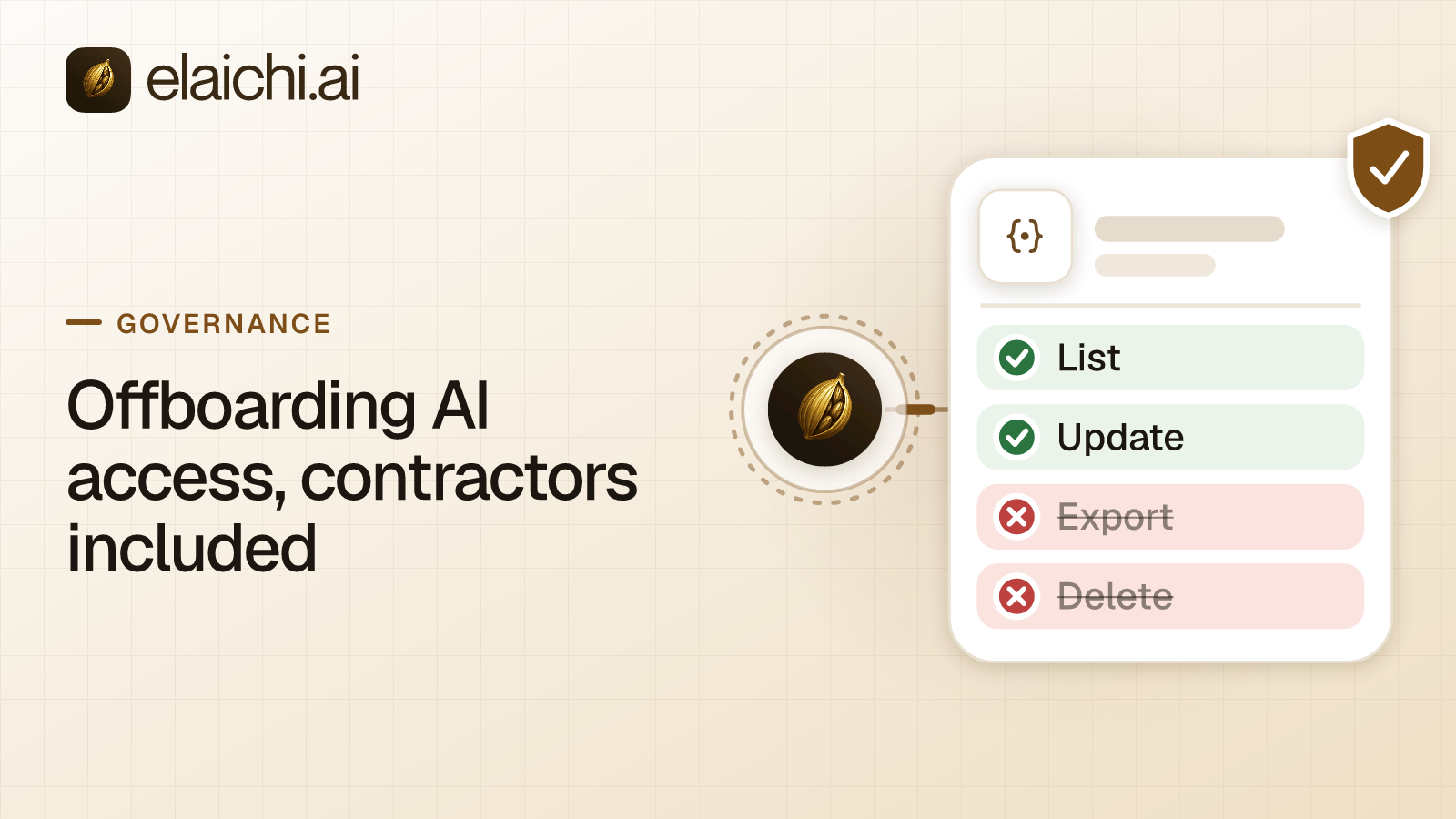
Offboarding AI access in Elaichi takes effect on the next call. In Elaichi, removing or suspending a member revokes every live grant in the same transaction as the membership change. The grant's revoked_at value is read again from the organization store on every single call, with no cache in front of it. Nothing has to expire first, so the next tool call from that person's Claude, ChatGPT or Cursor session fails.
Two terms, defined once. MCP (Model Context Protocol) is the standard way an AI assistant calls tools in other apps. A grant is the OAuth record that lets one member's AI client call the organization's MCP endpoint, the single web address every client connects to. OAuth is the sign-in flow that issues that record instead of handing out a shared password.
It does not matter how many clients the person signed in from. Every live grant goes in the same transaction, so a Claude desktop session and a Cursor install both stop together. Suspension is the same cut. It revokes the grants exactly as removal does, and suspended members drop out of the billable seat count. That makes suspension the first move whenever the rest of the offboarding is not ready.
Two parts of offboarding work differently. Narrowing what someone can reach, rather than removing them, takes effect within about two minutes. And the removal itself can be refused while other members still depend on the departing member's accounts.
How does contractor offboarding work when an AI client holds access?
A contractor is a member with an end date, and the same cut applies to them. Contractor offboarding for AI access is still its own step, separate from closing the HR ticket.
A contractor finishes on a Friday. HR closes the ticket, someone disables the laptop login, and the assumption is that the story ends there. Suppose the contractor pointed Claude, ChatGPT or Cursor at your organization's MCP endpoint. The question is no longer whether their single sign-on (SSO) account is off. It is whether the next tool call from that client gets data back.
That call does not come from a machine you control. It comes from a desktop client holding a bearer token, the standard OAuth 2.0 credential defined in RFC 6750, which works for whoever holds it. The token is tied to a grant, issued when the contractor signed in, and checked on every call to POST /mcp. The client holds no credential for any of your SaaS accounts, and the endpoint address carries nothing personal to them.
Three terms decide what you do next, and they are not interchangeable:
- Grant. Whether this person may call the endpoint at all. It exists or it does not.
- Role. The bundle of permissions the person inherits, such as Member, Guest or Auditor. Each member holds exactly one.
- Restriction. A rule on a role or on one person that takes away a connector or a single tool.
What makes contractors different is the calendar, not the mechanism. The end date is known in advance, so the ownership questions can be settled while the person is still around to answer them. Some contractors come back part-time the next quarter, which makes narrowing a role tempting when removal is the right call. And a contractor may hold an API key directly from a vendor, which no change in Elaichi reaches.
Which offboarding changes take effect on the next call?
Grant revocation, member removal and suspension do. Role changes and restriction changes take effect within about two minutes. That difference decides what you do at 5pm on the last day.
The fast side is fast because of where the flag lives. Elaichi keeps the revocation flag in the organization store and reads it live on every call, so there is nothing to wait out. The slow side is a cache. Role membership and restrictions resolve through a 60-second cache plus edge propagation, on the MCP endpoint, the console and the REST API alike. Moving a contractor from Member to Guest is correct, and Guest lacks the tool:execute permission, so the move does end tool access. It just ends it within about two minutes.
| Action | Takes effect | Why | Use it when |
|---|---|---|---|
| Suspend a member | Next call | The revocation flag is read live, with no cache | The ownership decisions are not settled yet |
| Remove a member | Next call, once the preflight passes | Same live read as suspension | The person is leaving and nothing of theirs is pinned |
| Revoke one grant | Next call | Same live read | One client sign-in has to end while the membership stays |
| Change a role | Within about two minutes | 60-second cache plus edge propagation | Scope is shrinking and the person is staying |
| Add a restriction | Within about two minutes | Same cached path as roles | One connector or tool has to go for a role or a person |
The operational rule follows. If access has to stop today, suspend or remove the member. Do not narrow the role and walk away from the screen. Narrowing is right when a contractor's scope shrinks and they stay, and wrong when they leave in ten minutes.
If you do narrow with a restriction, two details catch people out. A rule aimed at a member can only narrow what their role allows, and never replaces or loosens a role rule. And the allowlist stage engages on the presence of an allow rule, not its contents, so an allow rule that names nothing denies everything. The cases are worked through in per-tool versus per-connector restrictions.
Why does one endpoint remove half the problem?
Elaichi serves every connected account through one organization-wide MCP endpoint at POST /mcp, so there is no per-person address to track down on somebody's last day. The address carries no token and is the same for every member and every set of tools. Nobody creates, lists or deletes an MCP server per member. The address stays fixed, and the grant is the part that differs between people.
That holds across the 600+ connectors in the Elaichi catalog. Claude, ChatGPT, Cursor and any other MCP client all point at the same address and sign in. Offboarding comes down to one person's grants, not a search through client config files for addresses. A setup with one server per team or per person turns each of those servers into a separate item on the last-day checklist.
The other half of the problem is the accounts other people depend on, which is the job of the offboarding preflight.
Why can offboarding a member be refused?
Offboarding a member with MCP connections is refused while one of that member's private connections is pinned into a toolbox entry other people use. The refusal names the entries that block it. You resolve each one, and the removal completes.
In Elaichi, a toolbox is a named set of tool entries shared with other members, and each entry points at one specific connected account. The situation behind a refusal is ordinary. A finance analyst leaves on Friday. Their personal QuickBooks account is pinned into two toolbox entries, and three people in finance call those entries every day. Remove the analyst without a decision about that account and one of two bad things happens. Either the entries stop working in the middle of a month-end close, or a departed person's credential keeps serving tool calls with nobody accountable for it.
The offboarding preflight lists every connection the departing member owns, private and shared alike, and sorts what they leave behind into three groups:
- Private connections no toolbox entry references. These are cleaned up along with the membership, with no decision needed from you.
- Private connections a toolbox entry references. These block the removal until each one is transferred to another active member or deleted. A shared connection never blocks the removal, and is deleted only if you explicitly ask for it.
- Delegated toolbox entries. These raise a warning that does not block. Each needs a new pin, and re-pinning is a fix rather than a decision about a credential.
The console shows the blocking list and the warnings on the same screen, and they mean different things. One stops the removal until you resolve it. The other is a to-do you can clear after the person has gone. Reading them as one list is how a shared entry ends up pinned to nothing.
The preflight deliberately does not choose for you, because both defaults are wrong. Deleting everything takes a working shared entry away from a support shift, and the first person to notice is a rep whose tool call fails in front of a customer. Keeping everything leaves an unowned credential in the path of an AI client. Naming the blocking entries and stopping is the only behavior that makes no credential decision on your behalf.
Plan for this step to take longer than one click. The time depends on how many connections the person built up, not on a fixed number. It is also the step that gets skipped when someone tries to offboard from a phone between meetings.
How do you resolve a connection the preflight flags?
Transfer it to another active member who is staying, or delete it. Each choice carries a different trade-off, and neither option hands the connection to the organization, to a team, or to the admin running the removal.
Transfer to another active member. Right for a shared login that was only personal by accident, such as a billing portal or a vendor account, and for an account a team still depends on. A transfer sets a new owner and leaves every grant on the connection exactly as it was, but every toolbox entry the departing owner pinned to it stops resolving, for everyone including the new owner, so someone who is staying has to re-pin them. Pick the person on that team who will actually use the account.
Who the successor cannot be. Not the organization, not a team, and not you if you are the admin running the removal. Access to the connection still comes only from explicit view, use or edit shares. No organization-level permission widens who can see the account in Elaichi, not even for owners and admins.
Check the credential before you transfer. If your offboarding also disables the departing person's user inside the third-party app, the stored credential will stop refreshing. A failed refresh marks the connection needs_reauth instead of failing silently. The connection then offers no tools until the new owner reconnects with their own login.
Delete it. Correct when the account really was personal to the person leaving. Re-pin the affected toolbox entries to an account whose owner is staying, often a shared company login connected by someone on the team and shared with it.
A private connection is the one that holds things up. Only a private connection can block the removal, and a private one pinned by a toolbox its owner shared waits for your decision. Transfer it to someone who is staying, or delete it and re-pin the affected entries to an account the new owner signs in to as themselves. Deciding rather than defaulting is more work, and it is the right amount of work. The alternative is an organization that quietly inherits logins nobody chose to inherit, which is what a reviewer asks about six months later.
Delegated entries. Re-pin each entry the warning names to the accounts you chose for the transfers. None of them holds up the removal.
No option hands anyone the secret. Reading back an account's configuration in Elaichi returns its public values plus secret_paths, the list of dot-paths that were encrypted, with none of their values. Editing one is refused. Nobody moves a token by hand during offboarding, because nobody can read one.
In what order should you offboard someone on their last day?
Suspend first, work the preflight, complete the removal, then clean up outside Elaichi. The same order serves an employee and a contractor.
- Suspend first if anything is unsettled. In Elaichi, removing or suspending a member revokes every live grant in the same transaction as the membership change. You get the cutoff on the day, and the ownership decisions can wait for a calmer hour.
- Open the removal and read the preflight. It lists every connection the member owns, private and shared alike. Only a private one pinned by a toolbox entry blocks the removal.
- Decide a new owner per connection, not per person. Every transfer goes to one active member who is staying, so pick the person who will use the account. For a contractor, that is often whoever takes over the work.
- Resolve the private connections and re-pin. Transfer each to a member who is staying, or delete it and point the affected entries at a different account.
- Clear the delegated-entry warnings. Re-pin those entries to the accounts you settled in step 3.
- Complete the removal. Personal connections that nothing references are cleaned up with the membership.
- Revoke at the source. Elaichi stops the endpoint reaching an account. It does not deprovision the person's Salesforce or Zendesk user, and it cannot touch an API key they kept in their own password manager. Close those in each vendor's admin console.
- Read the audit log the next morning. Filter the last two weeks by that actor. You are looking for tool calls nobody expected, not for a clean bill of health.
If the plan is to narrow rather than remove, say for a contractor returning part-time next quarter, change the role and allow about two minutes. Then check the console instead of assuming the change is live.
If your identity provider drives Elaichi membership over SCIM v2 (System for Cross-domain Identity Management), which provisions users and groups automatically, make the ownership decisions before the deprovision event. A SCIM deprovision suspends the member, which ends their access on the next call, but it does not remove them, so the preflight still waits for you. The connection questions are easier to answer while the person is still reachable on Slack. SCIM keeps the directory right, and what SCIM does not carry is a subject of its own.
A standing habit helps more than any runbook. Pin shared toolbox entries to accounts owned by someone who is likely to stay, and most departures then have nothing to resolve.
How do you check what their assistant did before they left?
Read the Elaichi audit log the morning after, filtered to that person. Removal does not scrub anyone's history. The log is append-only, and a departed member shows as "Former member" instead of vanishing from the records, which matters when the review happens three months after a contract ended.
Every tool call their client made that reached execution is on record, along with which account it reached. That answers the question you will actually be asked, which is not whether they were removed but what their assistant touched. What a single row holds is set out in what an AI audit log must capture.
Two practical notes. The actor_kind field is recorded at the point of action, and a call from an MCP client is recorded under the person who signed in, with surface mcp and the OAuth client named. So separating what a person's assistant did from what they did in a browser is a read of the entry rather than forensics. The value ai_assistant marks only the Elaichi Agent. The trail is also eventually consistent, so a call from 11pm may take a moment to show up in an 8am review. Check again before concluding that nothing happened.
If a compliance reviewer runs the review rather than an operator, give them an Auditor seat. It is read-only and free, and it lacks tool:execute, so the endpoint advertises no tools to them at all. They see the log, not the tools.
One limit applies to the record itself. Deleting an organization deletes its connector credentials but leaves three stores: the audit history, analytics events, and the credential service's organization, environment and installed-connector configuration rows. Elaichi reports that residue by name. Deletion does not purge the audit history. Each record ages out under the log server's 90-day retention, counted from when it was written. If your retention policy needs one person's records gone entirely, raise it on /contact/ before you write the policy.
What does revocation not reach?
Revocation stops future calls. It does not pull back data that already left, and it does not touch credentials or logins that live outside Elaichi. Say so plainly to whoever signs off on the offboarding.
Data the person copied out. Suppose a contractor read a customer list through a governed tool call in week three and pasted it into a personal assistant account. The audit log records the read and nothing about the paste. No access-control layer, MCP-based or otherwise, can see what happens to data after it lands in a model's context window. That is the shadow AI part of the problem, meaning AI tools staff use without IT's knowledge, and no offboarding step reverses it.
The control you do have sits upstream of the paste. It is a record of what was reachable and when, plus restrictions that keep the reachable set small. A tool a restriction withholds is left off the tool list and cannot be called. Search names it only as restricted, with no schema. That is a different guarantee from telling the model not to use it.
Credentials held outside Elaichi. Connector credentials never live in Elaichi. A separate credential service holds per-account secrets, encrypted at rest, and owns token refresh. Removing a membership does not log anybody out of QuickBooks. It stops the organization's endpoint reaching that account on the departing member's behalf. The person's own user inside the app stays active until you close it there. An API key they copied into a password manager keeps working until the vendor revokes it. Every OAuth-based connection shares this limit, whichever product sits in front of it.
A shared login. If the contractor used a vendor login that three other people also use, removing them from Elaichi changes nothing at the vendor. They still know the password. The fix is a per-person account at the vendor, and it comes first. No control at the MCP layer replaces an identity that does not map one to one to a person.
When does none of this apply to you?
If nobody shares a connection, none of the refusals will ever fire. One person connected two apps to their own AI client, and no toolbox entry points at anyone else's account. Offboarding is then removing the membership and revoking access inside each SaaS app by hand.
The same is true when a contractor logged in to one SaaS app with their own account and never connected an AI client at all. Offboarding is that vendor's admin console plus your identity provider. Standard SCIM deprovisioning, defined in RFC 7644, already covers that case, and nothing here improves on it. At that size a control plane solves a problem you do not have yet, and the case for holding off on an MCP gateway sets it out in full.
The case for one governed endpoint starts when the contractors are plural, the connected accounts are plural, and nobody can say which app an assistant reached last Tuesday. For how roles, restrictions and seat classes fit together before anyone leaves, see the product overview, and the security page covers SSO, SCIM and residency. To see what a team's accounts look like once they are shared properly, browse the connector catalog or the per-team setups. More on the wider subject sits under governance.