When you don't need an MCP gateway: which three company shapes?
Most writing in this category exists to sell a control plane, so start from the other end. MCP (Model Context Protocol) is the standard way an AI assistant calls tools in other apps. An MCP gateway, or control plane, is a central service that manages which assistants may reach which tools. So start by asking when you don't need an MCP gateway. The answer does not depend on company size. It depends on whether you can answer three questions today: who is connected, what can they reach, and can you revoke it in one action.
Call this the inventory test. Some companies pass it today with per-user connectors in Claude, ChatGPT or Cursor, plus an SSO policy on the SaaS underneath. SSO, single sign-on, is one company login for many apps. For them, a governed MCP endpoint, one web address that every assistant connects to, buys a migration, a bill and a second place to look. In return they get controls that nothing in the business is asking for. Three company shapes are the honest cases for waiting. Each one is a specific way the inventory test still passes, and each one ends with a specific change.
One AI client and a roster you can recite
If you can name, from memory, every person who has connected an AI assistant to a company system, you have an inventory. It is in your head, it is accurate, and it costs nothing to query. A control plane's whole value at the small end is that it turns a hard listing problem into a list. When the list is six people and one client, buying the list is buying something you already have.
The thing to watch is not headcount. It is whether the roster survives a week when you are not paying attention. Roster knowledge decays the moment someone can connect an account without telling you. That usually starts when a second AI client or a second team arrives.
Read-only work against a single system of record
A sales team running research questions over one CRM, with no write path, has a narrow blast radius. Blast radius means how much can go wrong if something breaks. The assistant acts as the person, so the person's existing CRM permissions limit it. If a rep cannot see enterprise pipeline in the CRM, the assistant cannot either. You did the access design once, in the CRM, and the AI inherits it. No separate policy layer is needed, because there is nothing for one to add.
This stops being true the moment writes are in scope. A write is where the difference between what a person would do and what a model will do starts to matter. A second system matters as well, because the CRM's permission model has no opinion about what the other system allows. Once agents can write to more than one account, a surprise change raises a question read-only work never does: which account made it.
Every reachable account owned by your identity provider
Suppose every SaaS account an assistant can touch is federated, created through SCIM and removed by the same action that closes the laptop. SCIM is the standard way an identity provider (IdP) creates and removes accounts automatically. Then your IdP is already the control plane for the parts that matter. Central sign-in, MFA (multi-factor authentication), session revocation and group membership are real controls, and you already pay for them.
The qualifier is the word every. Think of the shared vendor portal with its own login, the personal Notion workspace for meeting notes, or the API key pasted into a script. The IdP owns none of them. Each one carries a grant, the stored permission that lets an assistant act for a person, and that grant outlives the account closure. In practice, "every" is the condition that breaks first. Most companies find the exception during an offboarding, not during an audit.
What do per-user connectors and SSO already cover?
They cover authentication well, authorization partly, and inventory not at all. Authentication means proving who someone is, and authorization means deciding what they may do. Be precise about the split, because vendors in this category tend to be vague about what the cheap setup does well.
Authentication is covered. Sign-in goes through one identity, with MFA enforced centrally and sessions revocable centrally.
Authorization is partly covered. OAuth is the sign-in flow where a person approves access in the browser without handing over a password. An OAuth consent binds a connector to what it asked for, and a connector that only requested read cannot write. Inheritance adds a second limit, since an assistant acting as a person can do no more than that person can. Both limits are real, but both are set per connection, not once for a team.
What none of it covers is the register. The register is the missing record: a single place that lists which grants exist, who made them, and which account each one reached. Each seat holds a fragment of that answer, and no seat holds the whole. That is not a flaw in SSO, which was never built to be the inventory. Every signal that ends the wait is, at bottom, a question only a register can answer.
| Question you will be asked | Per-user connectors plus SSO | Governed MCP control plane |
|---|---|---|
| Who signed in, and with what factor | Covered by the IdP | Covered, plus SSO, SCIM and group-to-role mapping in Elaichi itself |
| What can this person reach in the target system | Inherited from that system's own permissions | Inherited, plus restrictions on a role or a user |
| Which grants exist across the company | Not answerable without polling each seat | Listed centrally |
| Which account did the agent actually write to | Not recorded in one place | Named in the audit entry for each executed call |
| Does removing a person end the AI's access | Only where the IdP removes the account itself | Yes: removing or suspending a member revokes every live grant in the same transaction as the membership change |
| What does a second AI client add | Every account connected again, by each person, in the new client | The same address; each member signs in from the new client |
Signal one: has a second AI client or team arrived?
The first signal is multiplication. One client and one team is a setup task. Two clients across three teams is a matrix, and every account has to be connected again in each cell of it.
A mental roster is per person, not per system. A second client doubles the places where a connection can happen without you noticing, and a second team brings accounts you never set up. Nobody decides to stop tracking. The matrix simply outgrows memory.
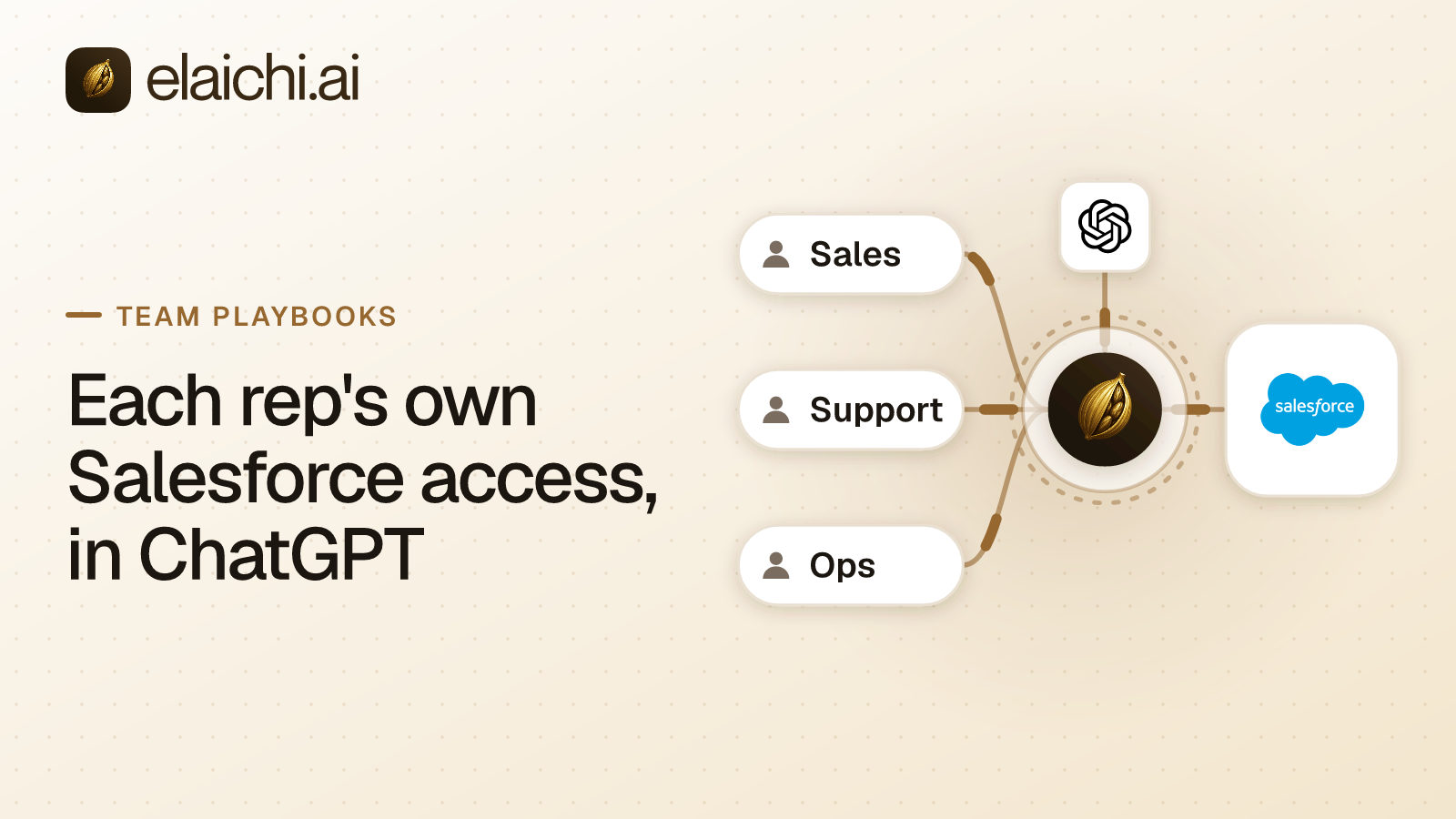
A control plane collapses the matrix to one row. In Elaichi, each SaaS account is connected once, and Claude, ChatGPT and Cursor all point at the same organization-wide endpoint, POST /mcp, behind OAuth. Where a client lets an admin add it for everyone, that happens once. Each member then signs in with their own grant. A fourth client repeats the same small job and does not fork the setup.
Signal two: are there more accounts than people?
Count accounts, not headcount. Once your team holds more SaaS accounts than it has members, the question "which account did the agent just write to" stops having an obvious answer.
The extra accounts arrive quietly. A second workspace of the same app, opened for a client project. A shared finance login that two people know. A service account for the warehouse that nobody remembers creating. Each one breaks the assumption the small setup rested on: one human, one account, one log line. With per-user connectors, the evidence is split between each person's chat history and each app's own log. A shared login makes that log name nobody in particular.
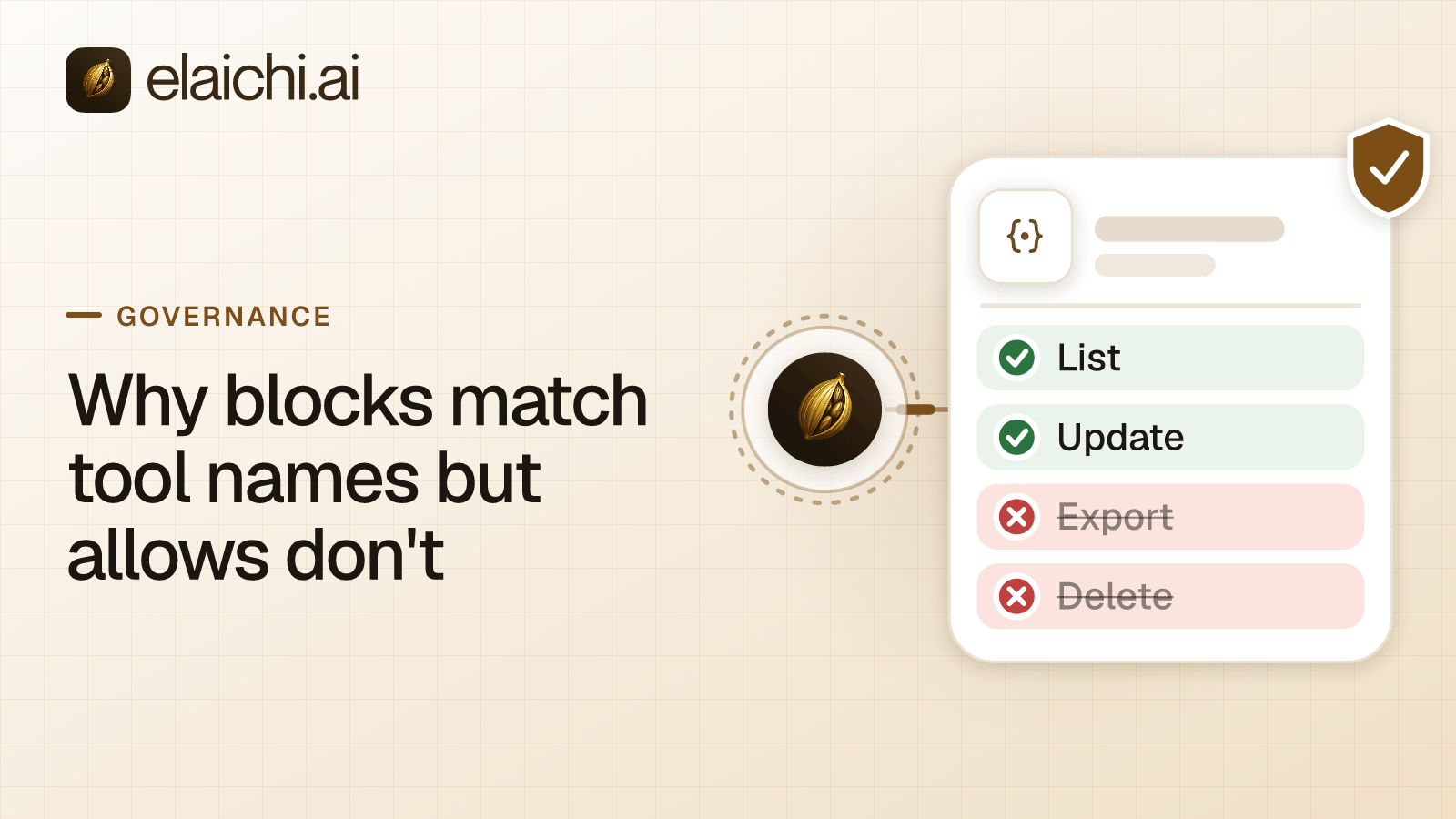
Elaichi's audit log, its record of who did what, names the account each call reached, with one entry for each connected-tool call that reaches execution (a call refused earlier writes none). What an AI audit log must capture covers the rest of what belongs in one. Frozen parameters stop the wrong choice before it happens. Freeze the workspace on a shared tool, and the model cannot change that field, so it cannot pick the other account.
Signal three: does a leaver's AI still hold access?
The third signal is a departure that leaves a grant nobody can list. It usually arrives on an account the IdP never owned.
Someone connected a shared billing portal and a personal project workspace to their assistant in March. In October they resign. You disable the IdP account within the hour, and the SSO logins die with it.
Now answer two questions. Which grants did that person hold, and which of them were tied to an account your IdP never federated? If the answer to the first is an email to their manager, and the answer to the second is a shrug, the cheap setup has run out. The grant you cannot list is the grant you cannot revoke. An OAuth refresh token does not check with your IdP before renewing itself.
This is what a control plane is actually for. In Elaichi, removing or suspending a member revokes every live grant in the same transaction as the membership change. The grant is checked again on every call, with no cache, so the next call fails, whichever AI client sends it. Verify that on the current security page rather than taking it on faith. The steps for the last day are laid out in offboarding a member with MCP connections.
Signal four: does someone besides the operator answer for it?
The fourth signal is a person outside the room asking what agents can reach, or what they did. A customer security questionnaire, a clause in a renewal, an internal auditor, a board packet.
This is the signal most teams misread, because it does not feel like a technical event. It is a change in who the audience for the record is. With per-seat setup, "what can Sales reach" is a survey. You ask fourteen people, get eleven replies, and three of them are wrong because nobody remembers what they authorized in March. "What did the agent do" is a screenshot of a chat window. A screenshot stops being evidence once the reader is not the person who made the call.
In Elaichi, every account a person can reach is one they connected or one shared with them, and that sharing is written down. Restrictions, the rules that decide which connectors and which individual tools a target may reach, narrow that reach for a role or a user. A role or restriction change takes effect within about two minutes, so check a rushed change before telling a reviewer it is live. The reviewer can read Elaichi's audit log from an Auditor seat, which is free and cannot call a tool.
What does not count as a signal?
Volume, curiosity, catalog size and a departure you can close in one place all feel like the moment, and none of them is.
Volume is the usual one. Ten thousand tool calls a month through one person's own account is still one person's own account, and a control plane governs nobody new. Curiosity is another. Wanting to understand MCP is a good reason to read the specification and a poor reason to buy a seat for everyone.
Catalog size sits in the same bucket. A catalog of 600+ connectors matters when you need the twelfth one governed, not when you need the first one working.
A single departure is not a signal either, if it closes cleanly. When a contractor leaves and you can revoke their one account in the one app, do that today and move on. It becomes a signal only when it leaves a grant nobody can list.
What other kinds of MCP gateway exist?
Several, and they are not interchangeable. The inventory test tells you which one fits today, whichever vendor, or no vendor, you end up choosing.
- Per-user connectors plus SSO: the setup most small teams already run. It needs no separate infrastructure, inherits the target system's permissions, and has no central register.
- Per-member servers inside an automation account: Zapier MCP is the example. Every client shares one Zapier URL, and each member gets a server per client, created at sign-in. In an organization rollout, each member still signs in and runs tool calls as themselves, through OAuth in most clients (rollout guide). Clients not on Zapier's list use a connection token, which Zapier's connection docs say to treat like a password, with "their own server and token" for each user (both checked October 2026). That shape suits a company whose AI work already lives in a Zapier account.
- Self-hosted MCP proxies: you run your own gateway process, and open-source options exist for basic request routing and logging. You own uptime, patching and log storage, and in return you do not depend on a vendor. The cost curve is worked through in the run-it-yourself math.
- Commercial MCP gateways and control planes: hosted and governed, with a central register, at the cost of a subscription and a new dependency. Elaichi is one. Composio is another, a hosted platform that gives AI agents tools and managed authentication. Its enterprise page describes role-based permissions, audit logs and SSO (checked September 2026).
What does a control plane cost you besides the bill?
It changes how tools reach the model, and it leaves some risks exactly where they were. A fair comparison names that friction, not just the capability.
Tools reach the model differently. In Elaichi, connected tools are never listed one by one, however few there are. The model reaches them through two tools, search_tools to find one and execute_tool to run it. Do not expect the flat, hand-picked list that native connectors show.
Prompt injection stays your problem. Prompt injection means hidden instructions in text that trick an AI into acting. The prompt-injection write gate lives in the Elaichi agent window and does not apply to a raw tool call. An MCP server sees only the tool call a model already chose, never the prompt behind it. Permissions still bound what a hijacked call can do, and a call that reaches execution is still on record. That is containment, not defense, and the two are easy to mix up.
Deletion leaves a residue. Deleting an organization removes the workspace and its credentials, but three stores stay behind: the audit history (each record ages out under the log server's 90-day retention, counted from when it was written), analytics events and the credential service's connector configuration rows. The deletion response names them. If your obligation is total removal, test that gap first. Elaichi's security page is where to check all of this against your own requirements.
Where does the money land either way?
Moving early costs seats and a setup you did not strictly need yet. Moving late costs a reconstruction job, and only that one comes with a deadline.
Elaichi is a paid product with two plans, Gold and Black, and no unpaid tier. Gold lists at $15 per user per month in US dollars. Paid yearly, it is $120 per user. At that list price, five seats come to $75 a month, spent on a problem that has not arrived. That is the honest reason to wait for a signal.
The late bill looks different. Someone has to work out which of four accounts an agent touched, from logs that were never written, for a reviewer who wants an answer this week. That work costs more than the seats would have.
Checking is cheap either way. Gold comes with a 14-day trial, no credit card to start. Checkout does collect a card, and it sets the paid trial to the remaining days rather than granting a fresh 14, so it is one continuous trial rather than two. Let a trial lapse and the workspace pauses instead of disappearing: plan-gated features lock and nothing is deleted. Confirm current figures on the pricing page before you budget. Visitors in some countries see a regional price there, in their own currency.
What is a simple rule for deciding?
Stay with per-user connectors and SSO while the inventory test passes. You can name everyone who has connected an assistant, every account they reach is federated, and nobody outside the team needs an answer. Move when any one of these becomes true:
- A second AI client or a second team starts connecting accounts.
- The team holds more accounts than it has people, and agents can write to them.
- A departure leaves a grant you cannot list, usually on an account the IdP never owned.
- Someone who is not the operator has to answer for what agents can reach or did.
All four are the same failure underneath: an inventory question with no register to query. One is enough to start looking, though none of them obliges you to buy anything.
Where do you start when you outgrow per-user connectors?
Start small: one team, one AI client and the accounts that team already uses. Three pages cover most of what you need before deciding.
- Connecting ChatGPT to one endpoint walks through a first rollout, from what the admin adds to what each person sees at first sign-in. The same address then serves Claude and Cursor.
- For cost, the plans and seat prices page is the current source, including regional prices and trial terms.
- If your automations already run in Zapier, the Zapier MCP comparison sets out when Zapier MCP is the shorter path. It also covers when one organization endpoint fits better.
To check coverage first, the connector catalog lists the 600+ connectors that Elaichi serves, most of them its own work and the rest vendors' own MCP servers. The team pages show the order in which one team is usually set up. If none of the four signals has fired yet, none of this is urgent, and the setup you already run is the right one.