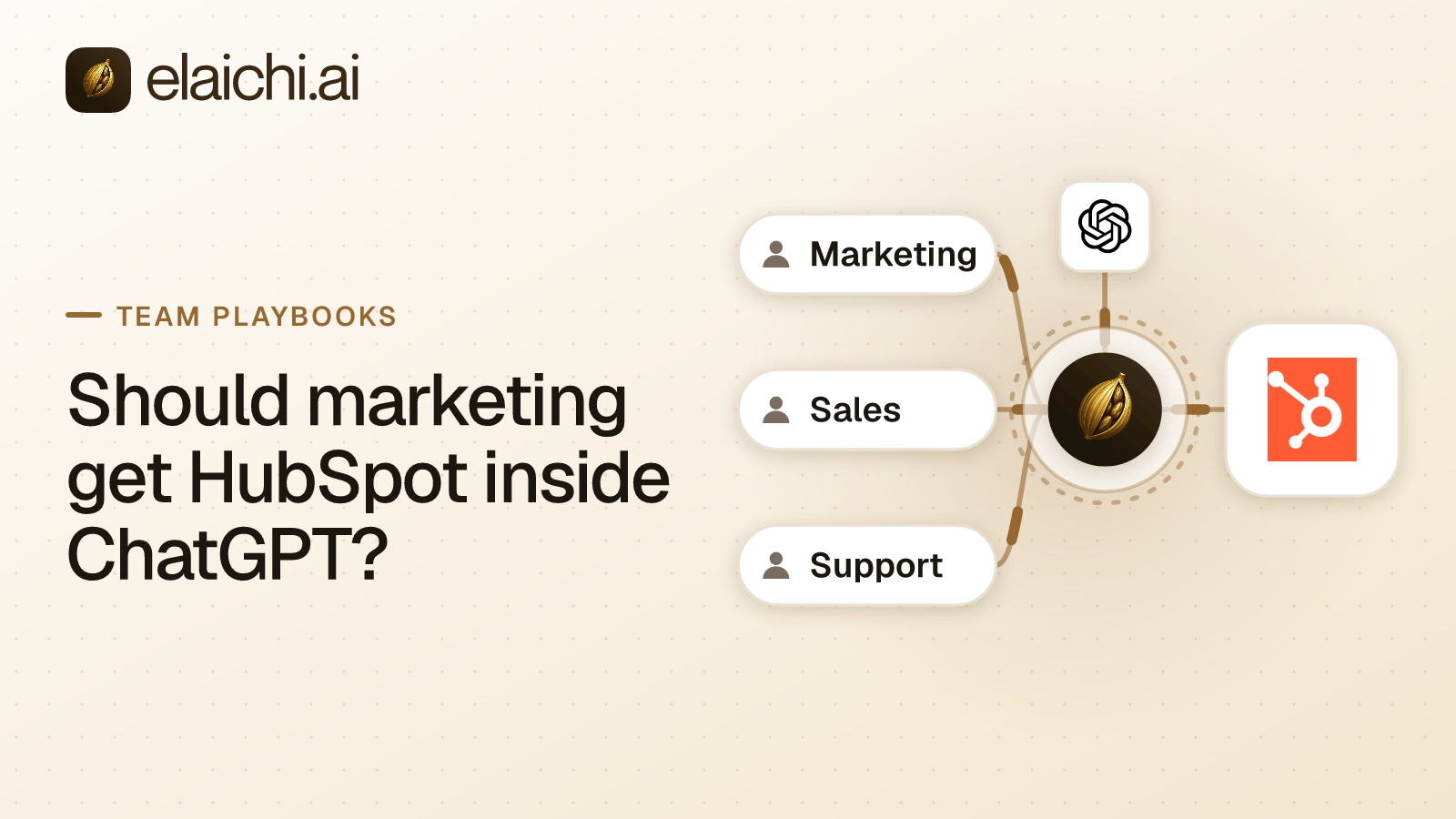
Should marketing get HubSpot inside ChatGPT?
Yes, with three limits. Marketing can have HubSpot inside ChatGPT to read contacts, lists and campaign results, and to draft notes, tasks and logged emails. The limits are a block rule on every tool that sends email and a second block on the deletes. The portal is pinned, so no write lands in the wrong HubSpot account.
The request usually starts small. A campaign manager wants to ask which contacts opened the last nurture email, and read the answer from HubSpot rather than from an exported CSV. IT agrees with the goal. What stalls the rollout is the rest of the account, because the login that reads a campaign report can also send email and archive contacts.
MCP (Model Context Protocol) is the standard way an AI assistant calls tools in other apps. Elaichi is a governed MCP control plane. It serves HubSpot and the rest of a 600+ catalog through one organization-wide endpoint, so each limit below is a setting, not code. The HubSpot connector page lists every HubSpot tool, and the CRM connectors sit beside it.
What can marketing do in HubSpot from ChatGPT?
Read and draft. The reads a campaign manager reaches for are list_all_hubspot_contacts_search, list_all_hubspot_contact_lists, list_all_hubspot_email_campaigns, list_all_hubspot_marketing_emails and list_all_hubspot_email_events. Drafting means writes no customer sees: create_a_hubspot_note, create_a_hubspot_task and create_a_hubspot_email. That last tool records an email on a contact's timeline and sends nothing. HubSpot's email engagement guide describes the API behind it as the way to "log and manage emails on CRM records".
Marketing reaches those tools through a toolbox, a curated set of tools shared with the team, rather than through the HubSpot connection itself. That is what lets a pinned portal hold. Nobody outside marketing sees the toolbox: in Elaichi, a member's list holds what they own and what someone explicitly shared with them, nothing more. The credentials stay out of Elaichi: a separate credential service holds them, encrypted at rest, and owns the token refresh.
Writes need the right ChatGPT plan. OpenAI says full MCP support, "including modify/write actions, is rolling out in beta to ChatGPT Business, Enterprise, and Edu plans" (OpenAI help center, checked October 2026). On those plans an admin creates the app and publishes it to the workspace. The same page says "Pro users can connect MCPs with read/fetch permissions in developer mode". A marketer on Pro can read campaigns but cannot draft anything into HubSpot. The steps are in connecting Elaichi to ChatGPT.
Through Elaichi, connected tools are never listed one by one, however few there are, so ChatGPT finds each HubSpot tool by searching for it (why connected tools sit behind search).
Why does sending email need a block rule of its own?
Because no other setting stops it. The OAuth scopes are coarse. A send is a write, not a delete, so withholding mcp:destructive leaves it reachable, and withholding the write scope would take drafting away with it. ChatGPT "may ask for confirmation" before a write, in OpenAI's words, but a prompt the client may or may not show is not a control you hold.
Four catalog tools put an email or a message in front of customers:
create_a_hubspot_email_single_sendsends one templated email per call. HubSpot's single-send guide says the API "sends template emails created in the HubSpot email tool". A model asked to email everyone who opened the webinar invite can call it once per contact, which is a bulk send made one call at a time.create_a_hubspot_workflowandupdate_a_hubspot_workflow_by_idcreate and edit automation. A workflow's Send email action sends "marketing emails that have been saved for automation" to the contacts it enrolls (HubSpot knowledge base). A model that can edit a workflow can schedule a send to a whole list.create_a_hubspot_messageposts a new message into a HubSpot Conversations thread, which is a live conversation with a customer.
Leave all four out of marketing's toolbox, and put them in one block rule on the role marketing members hold as well. A block holds on every path, a toolbox entry included, so the tools stay out even after someone adds one to a toolbox or shares the connection directly. Blocks also always beat allow rules, so the rule survives someone widening the reads next quarter. A block matches the tool's name as well as the operation Elaichi pinned when the rule was saved. Renaming a tool in a forked connector does not get around it.
Which HubSpot deletes should marketing lose?
All of them. The single delete, delete_a_hubspot_contact_by_id, archives one contact. The batch tool, hubspot_contacts_batch_delete, archives contacts "in a single request", so one wrong list of IDs archives every contact on it. The workflow delete, delete_a_hubspot_workflow_by_id, is worse: its catalog description says it "permanently removes the flow and cannot be undone".
Deletes have a second guard. A connected tool whose method is a delete needs the mcp:destructive scope on top of any rule, so a grant without that scope cannot run one. Write the block anyway. A scope belongs to one person's grant, while a rule covers everyone on the role, including the next person you add.
Write the deletes as blocks rather than as a short allowlist of reads. In Elaichi, the allowlist stage engages on the presence of an allow rule, not its contents, so an allow rule that names nothing denies everything. That is the quickest way to ship a rollout in which nothing works, and why blocks and allows match differently covers the rest of the rule.
A rule aimed at a member can only narrow what their role allows, and never replaces or loosens a role rule. So a rule aimed at the head of demand generation cannot hand the sends and the deletes back. If she needs one restricted tool, she files an access request and an admin approves it in the console. The grant lifts that one tool for her, and every other block keeps applying.
How do you keep writes out of the wrong HubSpot portal?
Pin the portal into a toolbox, and share the toolbox instead of the connections. A company with a sandbox portal beside production, or one portal per region, connects HubSpot more than once. A member who holds use on both connections sees each HubSpot tool with a required connection argument, and the model picks its value from the account labels in the tool's schema. That is a guess the model should not be making for a contact update.
Take the guess away. The person who connected the portals leaves both connections unshared. They pin the production portal into a toolbox entry for each tool marketing needs, then share the toolbox with the marketing team at use. Marketing then runs those tools only through the entries, which reach production and nothing else, and cannot open or reshare the connection behind them. Frozen values on an entry lock any other argument. A frozen key is removed from the schema the model is offered. A frozen value is merged over whatever the caller sends, so passing the key anyway changes nothing. Locking a tool argument shows the mechanism on a payment tool.
One condition: a freeze binds only calls made through its toolbox entry, so share the toolbox with the people it governs, not the connection itself. Anyone who also holds use on a portal's connection, directly or through a team share, reaches its tools unfrozen. Do not try to close that path with a block rule, because a block withholds the tool everywhere, the pinned entry included. Close it by not sharing the connection.
Afterward, the audit trail settles where a write went: Elaichi writes one entry for each connected-tool call that reaches execution (a call refused earlier writes none), each recording the portal the call actually reached. What an AI agent audit log must capture covers the rest of each entry.
Which role should marketing members hold?
One role, carrying tool:execute. Every member holds exactly one role, so the marketing role is a complete persona rather than an add-on. The tool:execute permission gates the whole MCP endpoint ahead of every scope. Without it, tools/list comes back empty and a call returns an error naming the missing permission. Guest, Auditor and Billing Admin do not carry it.
Keep connector:create out of the role. A custom connector can dial any destination, which is why Elaichi flags that permission as high trust. A marketer who can write one can route around every HubSpot rule in this post.
A compliance reviewer who only reads the trail needs no marketing role at all. The Auditor role is read-only and free, so oversight costs no license (pricing).
Why not use HubSpot's own MCP server?
If HubSpot is the only app marketing needs in ChatGPT, HubSpot's own server is the simpler choice. HubSpot's remote MCP server is generally available (HubSpot developer changelog, checked October 2026). The changelog says any MCP-compatible tool "can now read from and write to your CRM through natural conversation, with your existing HubSpot permissions respected throughout". It runs over "a secure, HubSpot-hosted connection authenticated via OAuth 2.1 with PKCE" at https://mcp.hubspot.com, through an MCP auth app the account creates. HubSpot's own permission model decides what each marketer can touch, and there is no second vendor to review. If marketing also needs finance and support data, connecting AI to your CRM covers the shared setup.
Elaichi earns its place when HubSpot is one app among several:
- One address. ChatGPT, Claude and Cursor reach HubSpot and every other connected app through the same organization endpoint.
- One set of rules per role. The send block and the delete block sit on the marketing role beside its rules for every other app, written once.
- Frozen arguments. On a shared toolbox entry, a pinned value is one the model cannot override, and a short one shows in the tool description.
- One audit trail. Calls to HubSpot and to every other app that reach execution land in one record, each naming the account it reached.
- One place to cut access. In Elaichi, removing or suspending a member revokes every live grant in the same transaction as the membership change. Removing a marketer ends their access through Elaichi to every connected app on the next call. Their HubSpot user is a separate step, in HubSpot or your identity provider.
HubSpot's changelog does not describe rules that reach other apps, which is no criticism: it is HubSpot's server for HubSpot's data.
When does marketing not need any of this?
When one marketer uses one assistant against one portal, with a HubSpot login that cannot send or delete. HubSpot's own permissions, or its own MCP server, cover that, and a control plane would be overhead. Revisit when a second client, a second portal or an auditor arrives, the triggers set out in when you don't need an MCP gateway yet.
One limit holds either way. The prompt-injection write gate lives in the Elaichi agent window and does not apply to a raw tool call. What holds instead is the configuration: a model steered by a pasted campaign brief still cannot reach a restricted send or the other portal.
What order should the rollout follow?
Blocks before invites, so marketing never has a day with more access than you meant.
- Connect the HubSpot portals once, and leave the connections unshared.
- Pin production into a toolbox entry for each tool marketing needs, and share the toolbox with the marketing team at
use. - Put marketing members on one role with
tool:executeand withoutconnector:create. - Write the send block:
create_a_hubspot_email_single_send,create_a_hubspot_message,create_a_hubspot_workflowandupdate_a_hubspot_workflow_by_id. - Write the delete block:
delete_a_hubspot_contact_by_id,hubspot_contacts_batch_deleteanddelete_a_hubspot_workflow_by_id. - Test with one member. Each restriction edit takes about two minutes to land everywhere, and why a removal lands faster explains the other speed.
- Have a ChatGPT workspace admin publish the app, then invite the team.
The same shape runs the Salesforce rollout for a sales team, and the team playbooks apply it to other apps. What the other eleven teams ask for first is on the use cases page.