How should Salesforce access in ChatGPT work for a sales team?
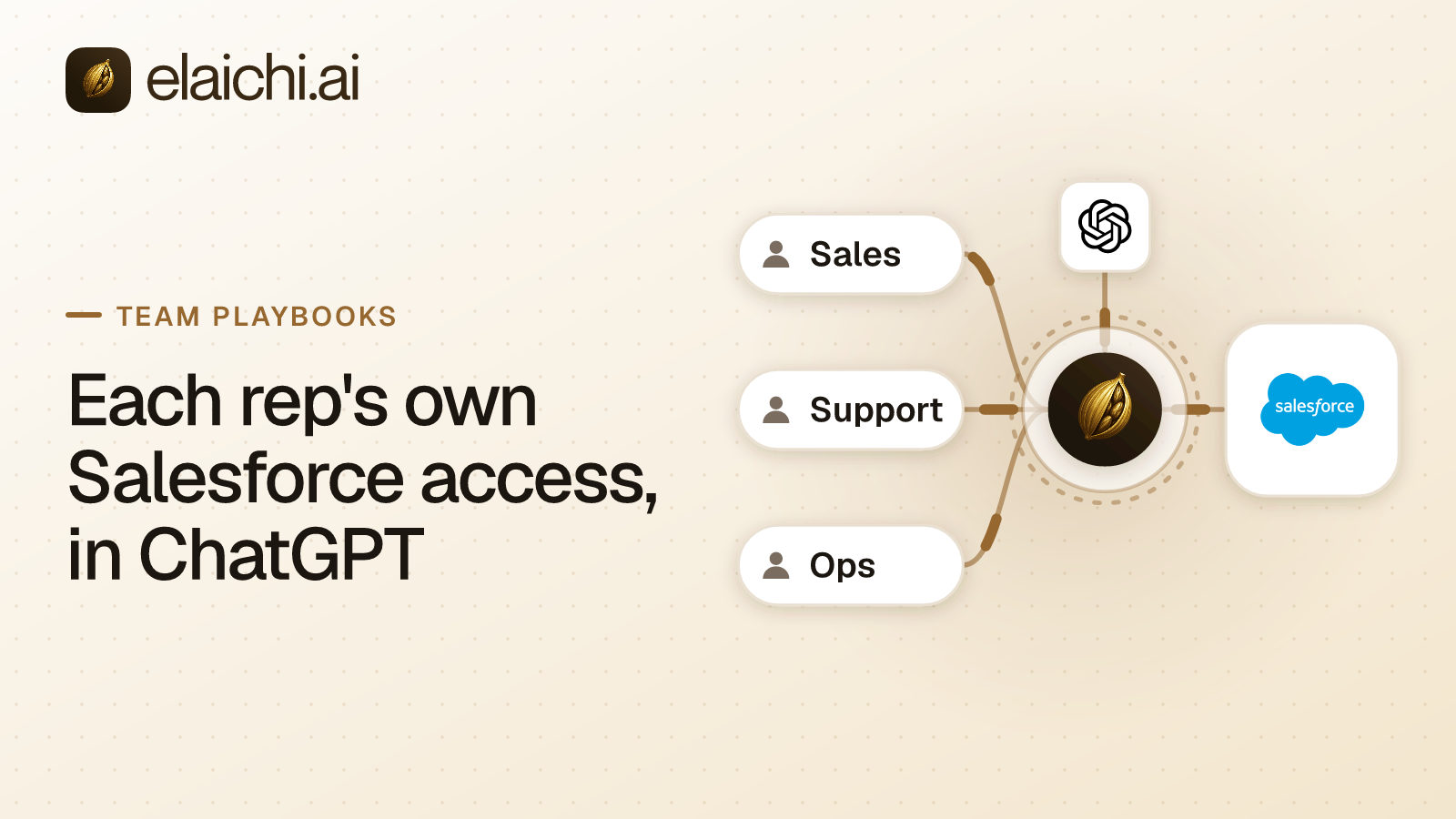
Per rep. Each rep connects Salesforce under their own login, so every call the model makes runs on that rep's connection. Salesforce's own sharing rules then decide which accounts it can read. Elaichi takes away the tools a sales team should not have, such as the record deletes, the account merge, and the catch-all tools that can reassign any record.
The failure this prevents is easy to picture. A rep opens ChatGPT and asks it to tidy the close dates on every deal slipping this quarter. The model finds a tool that updates one opportunity. It also finds create_a_salesforce_composite, which runs "a series of Salesforce REST API requests in a single POST call", and salesforce_accounts_batch_delete, which deletes many accounts in one request. Nothing in the prompt asked for either. The question for IT is what the endpoint would have allowed if the model had reached for one.
MCP (Model Context Protocol) is the standard way an AI assistant calls tools in other apps. Elaichi serves Salesforce from a 600+ catalog through one organization endpoint. The Salesforce connector page lists every Salesforce tool, and the CRM connectors sit beside it. Any AI write to a CRM rests on three separate questions, and each fails in its own way:
| Layer | Who decides it | In a sales rollout |
|---|---|---|
| Reach: which records the model can read | Salesforce, through the rep's own connection | The sharing rules and permissions your Salesforce admin already set |
| Operation: which tools the rep's ChatGPT is offered | Elaichi, with block rules on the sales role | Deletes, merges, catch-alls and admin tools never reach the model |
| Argument: which values a kept tool may take | Elaichi frozen arguments, on a shared toolbox | Not the right control here, because each rep reaches their own connection unfrozen |
How do you make sure a rep sees only their own Salesforce accounts?
Have each rep connect Salesforce under their own login. The rows the model can read are then the rows that Salesforce user can read, filtered by the sharing rules and permissions your Salesforce admin already set.
Be clear about the boundary inside your company. Elaichi's grants decide who can invoke a connection. A member sees what they own and what was explicitly shared with them, and no organization-level permission widens that list, owners and admins included. Elaichi does not filter Salesforce records by owner. Salesforce does. Mixing the two up is the difference between a control you can defend in an audit and one you only assumed existed.
When a sales engineer needs an account executive's reach, share the connection rather than the credential. Sharing grants use on the connection, and the credential never moves. A separate credential service holds per-account secrets, encrypted at rest. Reading back a connection's configuration returns secret_paths, the list of encrypted fields, with none of their values. Calls through the shared connection run as the executive in Salesforce, so share it with the one person who needs that reach, not with the team.
Which Salesforce tools should a sales team not have?
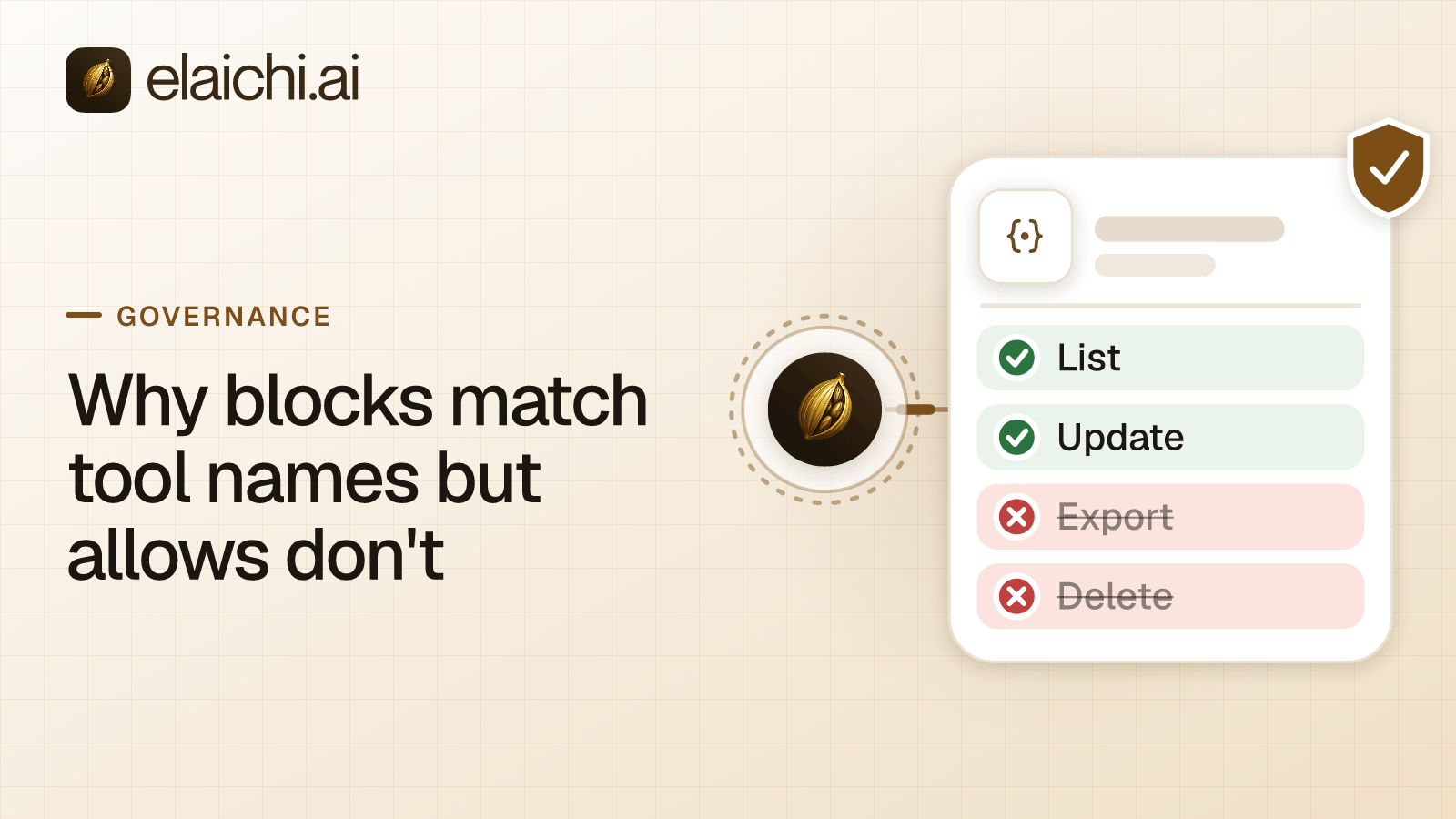
The deletes, the merge, the catch-alls and the admin tools. Write them as block rules on the sales role:
| Kind | Catalog tools | Why a rep's ChatGPT should not have it |
|---|---|---|
| Deletes | delete_a_salesforce_account_by_id, delete_a_salesforce_opportunity_by_id, salesforce_accounts_batch_delete, delete_a_salesforce_record_by_id |
The batch tool deletes many accounts in one request, and the record tool deletes any object by name |
| Account merge | salesforce_accounts_merge |
It sends a raw SOAP envelope, and a merge folds duplicate accounts into one |
| Catch-alls | create_a_salesforce_composite, update_a_salesforce_record_by_id |
One runs a series of REST requests in a single call, and the other updates any object by name, owner field included |
| Admin | create_a_salesforce_permission_set_assignment, update_a_salesforce_user_by_id |
Assigning permission sets and editing users is an admin's job |
What reps keep is most of the catalog. Reads such as list_all_salesforce_opportunities and get_single_salesforce_account_by_id stay, and so does the SOQL tool, list_all_salesforce_query, whose catalog description says it runs a query "to retrieve matching records". Activity writes stay too: create_a_salesforce_task, create_a_salesforce_event and create_a_salesforce_note log work without touching anyone's pipeline. The opportunity update stays for close dates and stages.
A rep's own Salesforce permissions may already refuse most of the restricted tools. Block them anyway. A restricted tool is withheld from the tool list and cannot be called. Search names it, flagged restricted, with no schema. The block also holds on the day a rep's Salesforce permissions turn out wider than anyone meant.
Blocks combine with other blocks and always beat allow rules, so adding one never widens anything. A block matches the tool's name or the operation Elaichi pinned when the rule was saved, so a renamed tool in a forked connector is still caught. Why blocks and allows match differently has the reasoning. Write blocks rather than a short allowlist, too. In Elaichi, the allowlist stage engages on the presence of an allow rule, not its contents, so an allow rule that names nothing denies everything.
A rule aimed at a member can only narrow what their role allows, and never replaces or loosens a role rule. A one-off exception for a sales manager is not a user rule. The manager files an access request, and an admin with member:manage approves it in the console. Approval lifts exactly the approved tool out of that manager's role rules, and every other role block keeps applying.
Can Elaichi stop ChatGPT from reassigning a rep's accounts?
With a block rule, yes. With a freeze, no. No catalog tool is called reassign. In Salesforce the owner is a field on the record, so any update tool that writes the record can write the owner. Elaichi decides per tool, not per field, so the way to take reassignment away is to block the tools that can do it.
Start with the catch-alls, create_a_salesforce_composite and update_a_salesforce_record_by_id, which can reassign any object. If reps never edit account records from ChatGPT, block update_a_salesforce_account_by_id as well, and account reassignment is off the table. Keep update_a_salesforce_opportunity_by_id, which reps need for close dates and stages. It can still write an opportunity's owner. There, Salesforce's own rules on who may change a record's owner decide (Salesforce Help), because the call runs as the rep.
A freeze is the wrong tool when each person brings their own connection. In Elaichi, a freeze binds only calls made through its toolbox entry, so share the toolbox with the people it governs, not the connection itself. A rep reaches their own Salesforce connection directly, under "All my tools", where every connection a member holds use on appears unfrozen. A frozen owner field would also set the owner on every call through its entry rather than protect it. Freezes suit a connection one owner pins into a toolbox for a team, and locking a tool argument shows that pattern.
Why not use Salesforce's own hosted MCP server?
For an Enterprise Edition org or above that needs only Salesforce in ChatGPT, Salesforce's own server is the better choice. Salesforce made its hosted MCP servers generally available in April 2026, "for every Enterprise Edition org and above" (Salesforce Developers blog, checked October 2026). Existing permissions "automatically apply", the post says, naming CRUD, FLS and sharing rules. "Every transaction runs as the authenticated user", and "OAuth and PKCE control access". When the agent updates a record, "that person's name appears in the audit trail". Prebuilt standard servers come with it, plus custom servers for flows and Apex. That is the same per-rep model, delivered by Salesforce itself with no second vendor.
Elaichi adds what reaches past Salesforce:
- One address across several apps. Reps reach Salesforce and every other connected app through one organization endpoint, in ChatGPT, Claude and Cursor alike.
- Restrictions written once per role. The sales role's blocks cover Salesforce and every other app the role reaches, in one rule set.
- Frozen arguments. On a toolbox an owner shares, a pinned value is one the model cannot change.
- One audit trail across apps. Elaichi writes one entry for each connected-tool call that reaches execution (a call refused earlier writes none), whichever app the call went to.
- One place to cut access. In Elaichi, removing or suspending a member revokes every live grant in the same transaction as the membership change. When a rep is removed, Elaichi refuses their next call to any connected app. Their Salesforce user stays until you deactivate it in Salesforce or through your identity provider.
Salesforce's post does not describe rules that span other vendors' apps, nor does it need to: it serves Salesforce's data.
What does ChatGPT need before reps can update Salesforce?
A plan that allows writes, and an admin who publishes the app. OpenAI says full MCP support, "including modify/write actions, is rolling out in beta to ChatGPT Business, Enterprise, and Edu plans" (OpenAI help center, checked October 2026). Only admins and owners publish an app there, and "Pro users can connect MCPs with read/fetch permissions in developer mode". A rep on Pro can read pipeline but cannot update a close date through it. Connecting Elaichi to ChatGPT walks through the setup.
For a write, the same page says ChatGPT "may ask for confirmation based on app permissions and the action's context". Treat that as a courtesy to the rep, not a control. Whether a prompt appears is ChatGPT's decision, while a block rule holds on every call whatever the client shows.
Two gates sit above the restrictions. The tool:execute permission gates the whole endpoint, and Guest, Auditor and Billing Admin lack it, so those roles cannot call tools at all. OAuth scopes work separately: a connected tool whose method is a delete needs mcp:destructive whatever the rules say, and a tool classified forbidden is reachable under no scope. Through Elaichi, connected tools are never listed one by one, however few there are, so ChatGPT finds a Salesforce tool by searching for it (why the tool list stays short).
The prompt-injection write gate lives in the Elaichi agent window and does not apply to a raw tool call. What holds instead is the block list: a hostile instruction in a Salesforce note cannot steer the model into a tool it cannot call.
How do you prove the restrictions work?
Test them once as a rep, then read the trail every month. A restriction nobody has tested is a belief, not a control.
Start with a search. Signed in as a test member of the sales role, ask ChatGPT for a restricted tool by name, such as salesforce_accounts_batch_delete. Search should name it only as restricted, with no schema. The tool is withheld from the tool list, so the model cannot call it.
Then read the trail each month. Filter it by actor for each rep, or by free text on the Salesforce connection's label, over the last 30 days. Read the entries on the mcp surface. ChatGPT's calls are recorded under the rep who signed in, with ChatGPT named as the client and marked verified. Each entry logs the one path argument that names the object, as the target id, and nothing else about the arguments, so the query shows which object an update acted on, not what was written to it. What an AI agent audit log must capture covers the rest of each entry.
Read the result two ways:
- A refused call to a restricted tool is rare in the trail. It appears only when a restriction changed after the tool was listed. Keep the rule, and treat the entry as evidence the risk was real.
- No such entries in a month is the normal case. A call a restriction refuses before execution writes no row. Read the writes instead, and check that each landed in the account you expected.
Give the reviewer who runs the query an Auditor seat. It is read-only, cannot call tools and is not billable, so oversight costs no license. Beyond the in-app trail, export to your own Datadog comes with the Black plan, which is launching soon.
What happens to a rep's access when they leave?
It ends with their membership. In Elaichi, removing or suspending a member revokes every live grant in the same transaction as the membership change. The rep's next call through Elaichi is refused. Revoking a share or disconnecting an account also lands on the next call. Their Salesforce user is a separate step, in Salesforce or your identity provider.
A SCIM deprovision suspends the rep and never removes them. Suspension revokes every live grant, and removal stays a separate step an admin takes in Elaichi. Removal runs a preflight that lists every Salesforce connection the rep owns, private and shared alike. A private connection that a shared toolbox depends on blocks the removal until an admin transfers it to a member. A private connection that nothing beyond the rep depends on cannot be transferred and is deleted with them. A shared connection can go to another active member, never to the admin running the removal, and a transfer leaves every grant on it as it was. It is deleted only if the admin asks for that.
A new block is slower than any of these: it takes about two minutes to reach every surface. The two speeds of an access change explains why, and gives the order to follow on a rep's last day.
When does a sales team not need any of this?
When Salesforce already says no. If your reps hold a read-only Salesforce profile and no write permission exists for them in Salesforce itself, a restriction layer on top adds paperwork without adding safety. Fix the Salesforce profile instead, since that is the real point of enforcement. If one person is trying Salesforce in Cursor on their own account, that is a conversation with that person, not a case for a control plane. And if Salesforce is the only app in question on an Enterprise Edition org, its own hosted server covers the per-rep model.
Governance earns its cost at a specific point. More than one AI client reaches more than one app, and nobody can say from memory where a given write landed. It usually shows up as an audit question. Someone asks what the assistant changed last Tuesday, and the honest answer is that nobody can reconstruct it.
Sales is one of twelve teams on the use cases page, and the HubSpot playbook for marketing runs the same shape on the other CRM. For the wider setup across a CRM and the apps around it, see connecting AI to your CRM. Pricing has the current price for your region, and every workspace starts with a 14-day trial, no credit card to start. Checkout does collect a card, and it sets the paid trial to the remaining days rather than granting a fresh 14, so it is one continuous trial rather than two. The security overview covers data residency and the offboarding preflight.