When should you restrict one AI tool instead of the whole app?
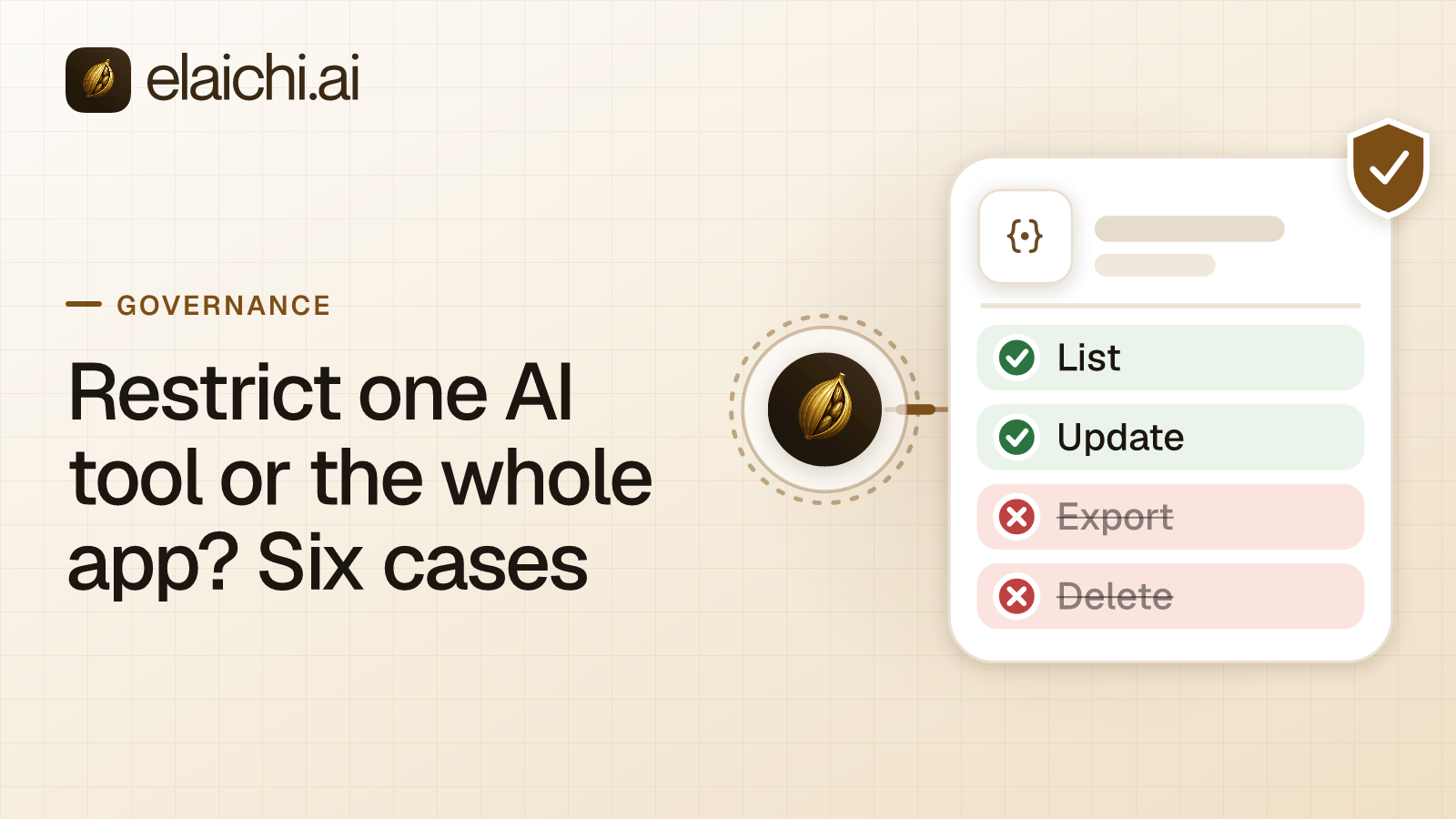
Restrict one AI tool when a role needs part of an app and not all of it. Block the whole app when the role has no business there, or when the app gains tools faster than anyone reviews them. The question usually arrives with a helpdesk. Support needs to read tickets and post comments, and nobody wants the Support role bulk-deleting saved views.
MCP (Model Context Protocol) is the standard way an AI assistant calls tools in other apps. A restriction in Elaichi decides which connectors and which individual tools a target may reach. It can name a whole connector, meaning one connected app, or individual tools inside it. In Elaichi, restriction targets are role or user only; the organization default is the absence of a rule, which means allow everything. Inside each layer, allow rules add up, block rules add up, and a block always beats an allow.
OWASP's entry on excessive agency in LLM applications lists the two moves as separate mitigations. One limits the extensions an agent may call. The other limits the functions inside each extension. A rule on the whole connector is the first move, and a rule on named tools is the second.
Both serve one principle. NIST SP 800-53 control AC-6, least privilege, allows only the access that users, or processes acting for them, need for their assigned tasks. An AI agent calling tools for a support lead is exactly such a process. The six cases below are about which shape of rule gets there with the least upkeep.
When is blocking the whole app the wrong rule?
When the role has a narrow, legitimate need inside the app. The block removes the need along with the risk, and the work reappears somewhere you cannot see.
The role needs one read out of a broad app. The Xero connector carries well over a hundred tools, and a support agent may need exactly one of them: the status of an invoice. Block Xero for the Support role and the lookup does not stop. It moves to a chat message to finance, or to an invoice PDF pasted into a personal assistant account. Allow that read, or block the writes and deletes, and the lookup stays on the governed path.
Only the destructive part is the problem. Deletes are the part of an app you can list. Elaichi marks deletes with MCP's destructive hint and reads with its read-only hint. A plain write carries no annotation, since neither hint would describe an edit honestly. If your objection to the connector is three delete operations, write three block rules. OWASP's guidance makes the same cut with a mailbox: an extension that summarizes email needs to read it, not to delete or send it. A whole-app block is a far larger claim than the one you meant to make.
Two roles need different slices of the same app. Finance reads billing records in Salesforce. Sales updates contact details in the same Salesforce org. One rule on the whole connector cannot describe both jobs. Restrictions target roles and users, so you write two sets of tool rules, one per role. The alternative is one blunt rule that is wrong for one of the two teams.
The cost of all three is the same. A set of tool rules is a list you now own, and every tool added to that connector later arrives outside it.
When is naming individual tools the wrong rule?
When the list you write today is not the list that will exist next quarter, or when the role should not be in the app at all.
The role has no business in the app. A recruiting system and the Support role is the clean example. A tool-by-tool block list against Ashby has to be complete on the day you write it, and stay complete. One rule on the whole connector is complete by construction. It also reads correctly to an auditor, who sees the intent without rebuilding it from twelve tool names.
The connector's tool list changes. Custom connectors are authored from JSON config, can be forked from a public connector, and can pull upstream changes through a review screen. That screen separates new tools, safe updates, config diffs, conflicts and upstream removals. New tools are a normal result of a pull. A block list written in March does not name the tool that arrives in June, and the absence of a rule means allow. A rule on the whole connector covers the June tool without anyone remembering it exists.
Somebody forked the connector. The connector:create permission is flagged high trust, because a custom connector can be pointed at any destination. A fork's identity includes its declared lineage, walked back to the root. Lineage counts for block rules only, and it fails closed if the chain is broken or circular. So a block on the parent connector also reaches the fork. The host a connector calls is deliberately not part of its identity, so do not plan rules around hostnames.
The cost here is bluntness. A whole-app block generates requests for exceptions. A rule aimed at a member can only narrow what their role allows, and never replaces or loosens a role rule, so a rule on one user cannot be the exception. The person files an access request for the connector, because a request for one tool on a blocked connector is refused. An admin approves it in the console. The grant lifts that connector for that one person only, and every other role rule keeps applying.
How does one intent look as a block list and as an allowlist?
Take one intent: the Support role may read and comment on tickets in Zendesk, and may delete nothing there. Written as a block list, the intent fails open as tools are added. Written as an allowlist, it fails closed.
As a block list, you block the Zendesk delete operations for the Support role. Reads and plain writes stay, and a tool added next quarter is reachable the day it lands.
As an allowlist, you allow the ticket read and comment operations for the Support role. Everything else on that connector is denied, including tools that do not exist yet. In Elaichi, the allowlist stage engages on the presence of an allow rule, not its contents, so an allow rule that names nothing denies everything. That empty rule is the strictest one the system can express, and the one that looks least strict in a console list.
Pick the allowlist when the boundary is narrow and the app is broad, such as a rule that lets a team create tasks in Asana and reach nothing else there. Pick the block list when the role needs most of the app and you are removing a handful of operations.
Why does a block match a tool's name, but an allow only its operation?
Because a name is a label that someone else can edit. A rule is written against a connector and a tool, and Elaichi records the tool's underlying operation from the catalog when the rule is saved. A block then matches the tool name or that operation. An allow matches the operation only.
A tool's advertised name can be changed by whoever edits the connector's documentation, so the name is something the governed party controls. Governance binds the operation, never the label. The MCP schema takes a similar line on the descriptive parts of a tool definition: its annotations are hints, not a guaranteed description of what the tool does. The cases where the difference changes an outcome are in name and operation matching.
What if the tool is fine but the account it points at is not?
Then freeze the argument instead of writing a restriction. Two Notion workspaces, one of which is the board's. One production ledger and one sandbox. The tool is fine, and the target is not.
A toolbox is a saved set of tools, and each entry in it pairs one tool with one connected account. A frozen argument is set on the entry. Elaichi drops a frozen key from the schema it shows the model, then writes the frozen value over the caller's arguments at execution. Passing the key cannot undo it. Entry defaults apply first, the caller's or model's arguments next, and frozen values last.
A restriction decides which tool the agent may call. A frozen argument decides what that call may point at. One condition: a freeze binds only calls made through its toolbox entry, so share the toolbox with the people it governs, not the connection itself. A payment case is worked through in freezing the receiver on a wire transfer.
Which rule fits how much of the app a role needs?
Two questions decide it: how much of the connector the role legitimately needs, and how often the connector's tool list changes.
| What the role needs | How the tool list behaves | Rule to write |
|---|---|---|
| Most of the app | Stable | Block the handful of destructive tools |
| A narrow slice | Stable or changing | Allow the operations the role uses; new tools stay out until someone adds them |
| None of it | Either | One block on the whole connector, which also reaches its forks |
| Most of the app | Changing | Block the destructive tools, then review every upstream pull |
The last row is the honest one. Breadth plus churn is a review problem dressed as a permissions problem, and more rules will not change that. NIST's least-privilege control has an enhancement for this case, AC-6(7), which asks for the privileges assigned to roles to be reviewed on a set schedule. Put the connector's pull review on the same schedule.
What happens after you save a rule?
A saved restriction takes effect within about two minutes on every surface: MCP, the console and REST. Role membership changes resolve the same way. Grant revocation is the exception, because the grant is re-read on every call. In Elaichi, removing or suspending a member revokes every live grant in the same transaction as the membership change.
Elaichi applies the rule at every place a member can reach a connector or tool, including listing, connecting, advertising, executing, the final outbound-request check and opening a stored tool file. A restricted tool is withheld from the tool list and cannot be called. Search names it, flagged restricted, with no schema. The MCP specification's tools page allows for that, since the tools a server lists may vary with the authorization on the request. Calling a withheld tool through execute_tool gains nothing either. It is only a naming indirection, and it meets the same gates.
Elaichi writes one entry for each connected-tool call that reaches execution (a call refused earlier writes none). A call for a tool the rule withholds is refused before execution, so it writes no row. What a record holds is the subject of what an AI agent audit log must capture.
When do you not need either rule?
When there is nothing to split. If one team uses one connector, and everyone on it has the same trust and the same job, the role assignment and the audit trail already answer the question. Restrictions divide an app between people who should see different parts of it. With nothing to divide, they add review work and nothing else.
Three roles need no restriction at all. Guest, Auditor and Billing Admin lack tool:execute, which gates the whole endpoint ahead of every scope. For them tools/list is empty, and a call returns an in-band error naming the permission. A connector block written for the free read-only Auditor seat governs nothing that seat could reach.
Before writing a first rule, the case for waiting sets out when none of this is needed yet. For one team set up end to end, see Salesforce access for a sales team. Role design sits under governance, the apps you can write rules for are in the connector catalog of 600+ connectors, and per-team starting points are on the use cases page.