What is an MCP gateway?
An MCP gateway is one address that sits between AI assistants, such as Claude or ChatGPT, and the business apps they can act in. It signs each person in, decides which tools that person may use, and keeps a record of each call that runs. Without one, each person wires each app into each assistant separately, and nobody can say afterwards who did what.
MCP (Model Context Protocol) is the standard way an AI assistant calls tools in other apps. An endpoint is the address an AI client is pointed at. OAuth is the sign-in standard that lets software act as a named person without holding that person's password.
The question usually arrives with a deadline. Support wants Zendesk inside Claude, finance wants Xero inside ChatGPT, and engineering already lives in Cursor. With three AI clients and twenty apps, each person has sixty separate setups to create, and sixty to undo on their last day. One gateway turns that into three, one per client.
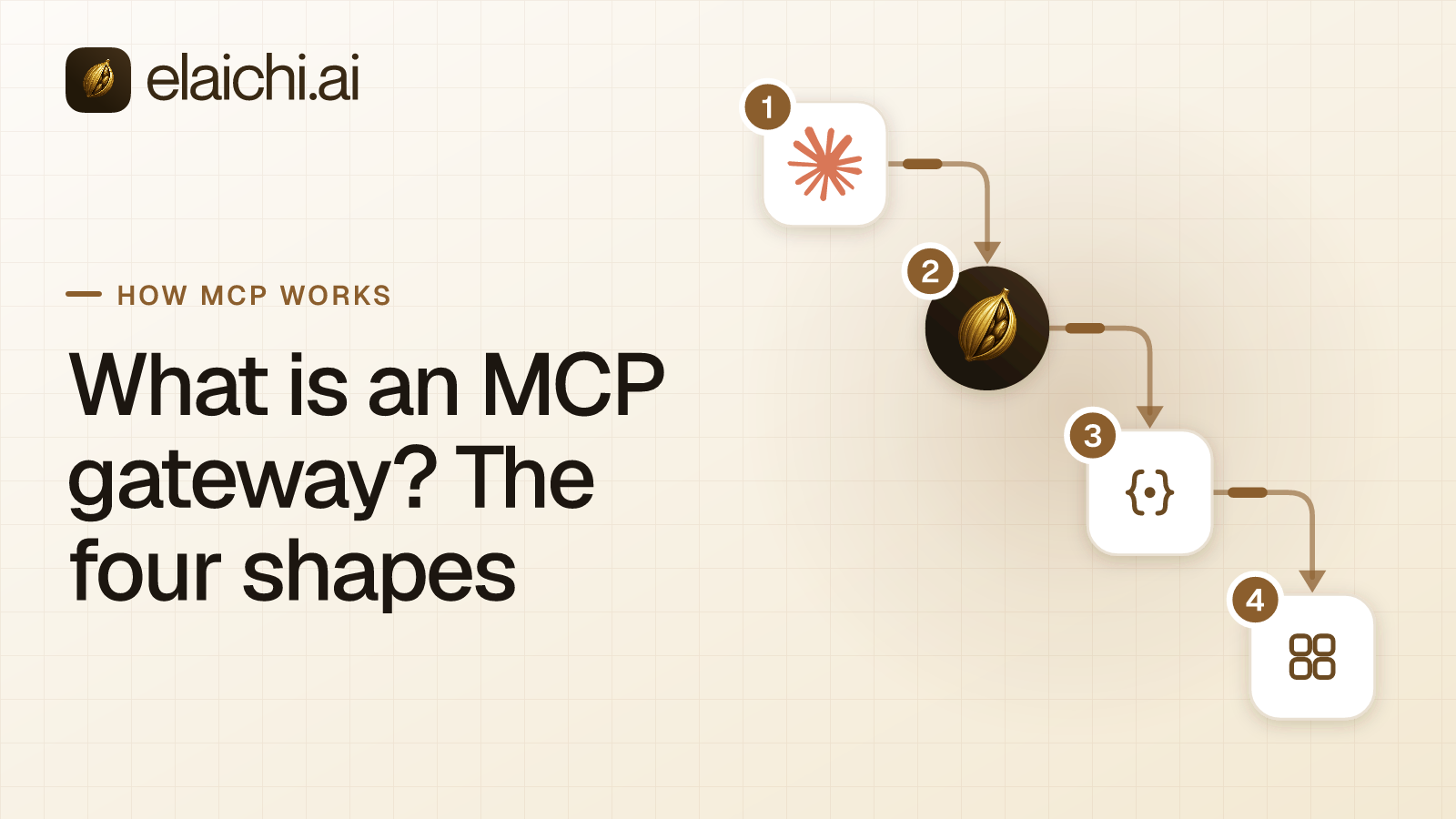
What are the four shapes of MCP gateway?
Four different products are sold under the name, and they differ in mechanism:
- A hosted gateway over MCP servers the vendor hosts or catalogs.
- A gateway in front of MCP servers or APIs you bring, either self-hosted or inside an API management platform that added MCP.
- A per-member server created inside an automation account.
- A governed MCP control plane that serves connectors, most of which it authors, behind one address.
The order matches the vendor-by-vendor shortlist, which places named products on the same four shapes. Shapes one and two are gateways in the strict sense. They sit in front of MCP servers that somebody else runs, either the vendor or your own team. Shape three gives each member a server of their own. Shape four is a control plane, which is the server itself and makes the access decision where it serves the tool. Elaichi is the fourth shape, and this page states plainly whom each shape suits and what it costs.
Shape one: what is a hosted gateway over a catalog?
In this shape the vendor runs the MCP servers and gives you one hosted address into its collection. You connect your accounts to the vendor, and your AI clients call the vendor rather than servers you operate. Breadth arrives on the day you sign, which suits a team that wants coverage this quarter without operating servers. What you inherit is somebody else's list, so ask who repairs a catalog server when its third party changes an API.
MintMCP calls itself "The MCP gateway between your agents and your systems": a hosted gateway with an internal catalog of approved servers, servers it hosts for you, and "one endpoint per role" (mintmcp.com, checked October 2026). Where MintMCP and Elaichi overlap is worked through separately.
Composio Connect is an MCP server at connect.composio.dev/mcp that reaches its apps through seven meta-tools. OAuth links are approved in the browser (docs.composio.dev, checked September 2026). Composio's MCP Gateway page describes "one gateway, every server". On that page, "each team gets its own MCP endpoint carrying only the tools it is permitted to use" (composio.dev, checked September 2026).
Governance exists in this shape, so it is not the axis to compare on. Composio's enterprise page describes permissions "set administratively, per user and per role, down to the individual action". It also describes logging of every tool call, denied calls included, and single sign-on (SSO) over SAML and OIDC (composio.dev/enterprise, checked September 2026). The useful questions are where the connectors come from and how many addresses IT ends up administering. A per-team endpoint is easy to reason about at three teams and tedious at thirty. The Composio comparison works through both.
Runlayer spans shapes one and two. It serves tools "through a governed MCP gateway across every major AI client" (runlayer.com, checked October 2026). Its connectors come from a catalog of templates maintained by Runlayer or by official vendors. Your team can also add its own MCP endpoints, or deploy servers to Runlayer (Runlayer docs, checked October 2026). The docs give no URL pattern, so ask how many addresses a rollout creates.
Shape two: what is a gateway in front of servers you bring?
This shape assumes the servers or APIs already exist and that your team runs them. The gateway adds one door in front of them for sign-in, policy and logging. It is infrastructure, not coverage: it adds no apps, and it governs the ones already wired up.
One kind is a self-hosted MCP gateway. Lunar.dev describes MCPX as a self-hosted "Enterprise MCP Gateway" that sits between agents and the MCP servers, APIs and LLM providers they use. An open-source version is on GitHub (lunar.dev, checked September 2026). Boomi announced its intent to acquire Lunar.dev on May 13, 2026, and has since completed it (boomi.com, checked September 2026). If MCPX is on your list, count your servers before you compare.
The other kind is an API management platform that grew an MCP mode. Tyk's MCP Gateway proxies and governs remote MCP servers, and can generate an MCP proxy from a REST API that Tyk already manages. Its proxies for remote MCP servers come with every Tyk Gateway license, and upstream OAuth needs Tyk Enterprise Edition (tyk.io, checked October 2026). Zuplo is an API gateway platform that also ships an MCP Gateway, federating MCP servers behind one OAuth-protected gateway (zuplo.com, checked September 2026). Kong AI Gateway supports MCP through AI MCP Server entities, which expose APIs as MCP tools (developer.konghq.com, checked September 2026).
This shape suits a platform engineer with services in production and staff to run them. If your own APIs already sit behind one of these platforms, exposing them as MCP tools is a configuration change, not a purchase. The trade-off is that the server count does not fall. Every server still needs uptime, credential rotation and a fix when an upstream API changes. On an API platform, MCP is one mode among several, so ask how your finance team's SaaS accounts would get behind it. The real cost of running your own servers works through that arithmetic, and API gateway MCP against MCP-native sets the two models side by side.
Shape three: what is a per-member server in an automation account?
Here an automation product gives each member an MCP server of their own inside the company's account. The server reuses the app connections and actions the automations already use, so nothing new has to be connected. The address model is one server per member, so the count grows with headcount.
Zapier describes Zapier MCP as a way for an MCP client to take actions in the apps connected to a Zapier account. It uses the same app connections and actions as Zaps (Zapier help center, checked September 2026). Every client connects to the same Zapier URL, and "Each MCP client gets its own MCP server: one for Cursor, one for Claude, one for ChatGPT." For most MCP clients the member signs in inside the client, and Zapier creates the server during that sign-in. Clients not on Zapier's list, and code you write, use a connection token instead. That token is long-lived, tied to one server, and "grants whoever holds it the ability to run the server's tools" (Zapier docs, checked October 2026).
For token-based clients, Zapier's docs say to "give each user their own server and token rather than sharing one". In a rollout, admins can restrict members to a Zapier workspace, and app and action restrictions apply through MCP (Zapier rollout docs, checked October 2026). Zapier's security page does not say what happens to a leaver's server, so ask (Zapier security docs, checked September 2026).
This shape suits a company whose automations already live in Zapier, with a team small enough that one server per member stays easy to count. One endpoint instead of one server per member works the count through for a full rollout.
Shape four: what is a control plane that is the MCP server?
In this shape nobody at the company runs an MCP server. The control plane serves the connectors, authoring most of them, and each SaaS account is connected once. A gateway forwards calls to servers other people run, while a control plane decides access where it serves the tool. Elaichi is built this way.
Elaichi serves one organization-wide endpoint, POST /mcp: standard MCP over Streamable HTTP, JSON-RPC 2.0, stateless, behind OAuth. A toolbox, a saved set of tools and the accounts behind them, never gets an address of its own, and the URL carries no token. Claude, ChatGPT and Cursor all point at that one address. An admin adds it once where the client allows. Each member then connects and signs in with their own grant, the record that lets a named person use a named resource.
Elaichi serves 600+ connectors and authors, maintains and runs most of them on its own infrastructure, so for those a third-party API change is Elaichi's problem rather than a ticket in your backlog. The rest are vendors' own MCP servers, whose tools the vendor builds and runs. Account credentials sit in a separate credential service, encrypted at rest, which also owns token refresh. In Elaichi, connected tools are never listed one by one, however few there are. A model looks a connected tool up with search_tools and calls it through execute_tool, which passes the same checks as a direct call.
Access has three layers, and they stay separate. Permissions come from role-based access control (RBAC), and each member holds exactly one role, enforced by a unique index. Sharing grants view, use or edit on a resource to a user, a team or the whole organization. Nobody sees a resource they neither own nor were given, and org admins are no exception. Restrictions decide which connectors and which individual tools a target may reach. In Elaichi, restriction targets are role or user only; the organization default is the absence of a rule, which means allow everything. A rule aimed at a member can only narrow what their role allows, and never replaces or loosens a role rule. Enforcement runs at every place a member can reach a connector or tool, including listing, connecting, advertising, executing, the final outbound-request check and opening a stored tool file.
Elaichi is not built as a proxy for a fleet of MCP servers you already run. An internal server your platform team built can come in as a remote MCP connector on Gold, or on Black once it launches, if it is reachable over public HTTPS. The other route is a custom connector authored from JSON config, or a fork of a public connector that pulls upstream changes through a review step. It is also a bet on one vendor's connector roadmap. If your main asset is a fleet of internal servers, a gateway in front of them fits better.
Which shape owns the address, the connectors and the record?
Four columns decide most purchases: who runs the servers, who authors the connectors, where clients point, and whom the shape serves.
| Shape | Who runs the servers | Who authors the connectors | Address a client points at | Built for |
|---|---|---|---|---|
| 1. Hosted gateway over a catalog | The vendor | The vendor's catalog, or each server's publisher | A vendor endpoint, sometimes one per team | Breadth without operating servers |
| 2. Gateway in front of servers or APIs you bring | Your team | Your team, or tools made from your APIs | One gateway in front of many servers | Platform teams with servers or APIs live |
| 3. Per-member server in an automation account | The automation vendor | The automation product's app connections | One server per member | Companies whose automations already live there |
| 4. Governed control plane | Nobody: the control plane is the server | The control plane vendor | One organization-wide endpoint | IT and operations rolling out to non-engineers |
A company with six internal services and no SaaS sprawl belongs in row two, and no amount of governance in row four changes that.
The record differs in a way that shows up during an incident. Behind a gateway you run, the gateway sees the call and the upstream server sees the work, so two systems get read side by side. Elaichi's audit log, the append-only history of calls, is recorded at execution, so an entry shows which account the call really touched.
What does a control plane do that routing alone cannot?
A product that only routes can allow a tool or block it. A control plane that serves the tool can also fix what the model is allowed to send. Freezing an argument is that third option, and it is finer than either.
Frozen parameters are a map over a tool's arguments, set on one toolbox entry. Two things happen. Frozen keys are removed from the schema the model is shown, so it cannot fill them in. Frozen values are merged over the caller's arguments at execution, so passing the key cannot un-freeze it. Precedence runs from entry defaults, to caller or model arguments, to frozen parameters, and the last one wins. That is how one workspace or one account label gets pinned while the rest of the tool stays usable.
A restriction binds the pinned operation, not the label, and why a block matches the name and an allow matches the operation explains that asymmetry before you write rules.
How do you tell which shape a vendor is selling?
Open the vendor's quickstart, not the homepage, and answer four questions. The quickstart shows the address model and the setup burden on its first screen, which is where the shapes separate.
- Count the addresses the setup produces: one per company, one per team, or one per member.
- Find out who wrote the connector for your most important app, and who fixes it when that app's API changes.
- Ask what happens to a leaver's access, and who has to act. In Elaichi, removal runs a preflight listing every connection the leaver owns. A private connection that a shared toolbox depends on blocks the removal until it is transferred to a member.
- Ask how long a permission change takes to apply, and get a number rather than an adjective. In Elaichi a role or restriction change takes about two minutes.
The answers sort the vendor. A setup that has you run or register servers is a gateway in front of servers you bring. A server created for each member is the per-member shape. A hosted catalog of servers you did not write is a hosted gateway. One address for the whole company, serving connectors the vendor wrote, is a control plane. Once the shape is clear, compare the vendors within it on the same mechanics.
Which reader does each shape serve?
Match the shape to whoever is accountable when something goes wrong. If that person is a platform engineer who already owns services, a gateway in front of them keeps ownership where it is. If it is a developer shipping an agent product, a hosted catalog gets coverage fastest. If the company's automations already run in Zapier, a per-member server reuses connections that already exist. If it is the person who runs IT or operations, and the users sit in support, finance, sales and legal, a control plane fits. It removes the two jobs that person cannot staff: operating servers and maintaining connectors.
The IT reader also counts seats. A compliance reviewer can sit in the free, read-only Auditor seat, and how seats are counted covers the plans.
What will no gateway shape do for you?
No gateway shape sees the prompt through MCP, because the protocol does not carry it. A server receives a tool name and arguments, so nothing at the MCP layer can judge a call against what the person actually asked for. Elaichi does not claim otherwise. The prompt-injection write gate lives in the Elaichi agent window and does not apply to a raw tool call. What does hold on POST /mcp is per-operation role permissions, a forbidden classification that no OAuth scope can reach, output redaction, scope limits and an audit row for each call that reaches execution. Ask any vendor that claims more where its check runs, and what it can see.
Timing is the other assumption to correct before an incident. In Elaichi a role change or a restriction change takes about two minutes to take effect. Both sit behind a 60-second cache, and the change then has to reach the edge on every surface. Grant revocation, member removal and suspension are faster, and each is effective on the next call. In Elaichi, removing or suspending a member revokes every live grant in the same transaction as the membership change. If your incident plan depends on cutting access at once, use removal or suspension, not a restriction edit.
When is none of the four shapes worth buying?
One person, one AI client and one connected account do not need a gateway of any shape. The client's own connector signs that person in, the SaaS side logs what was touched, and there is no second address to reconcile. Two people sharing one app with a native connector can turn it on in the client's admin console and wait.
The threshold arrives with the second thing. A second client, a second account of the same app, or a leaver whose access has to be removed from more than one place at once. That is when sign-in, restrictions and one readable record start paying for themselves. When a gateway is premature lists the signals in full, and native client connectors compared covers the stage in between.
For the protocol underneath all four shapes, browse the how MCP works archive. The connector catalog shows which apps a control plane already covers, and the team use cases show where rollouts usually begin.