For most companies, one endpoint for everyone beats an MCP endpoint per team or a server per person. Each AI client then needs one entry, and a departure is one action instead of a hunt.
Support wants its ticketing system inside Claude, finance wants the ledger inside ChatGPT, and engineering already has Cursor open. That is 200 people across three AI clients. Each client has a field for a remote MCP connector, and the field takes one URL, called the endpoint. MCP (Model Context Protocol) is the standard way an AI assistant calls tools in other apps. Choosing an MCP endpoint per team, per person or per company is choosing what goes in that field. There is one more answer beside those two: a server for every member. The difference shows up in rollout, in what happens when somebody changes team or leaves, and in how many places you edit when access changes.
What does an MCP endpoint per team actually decide?
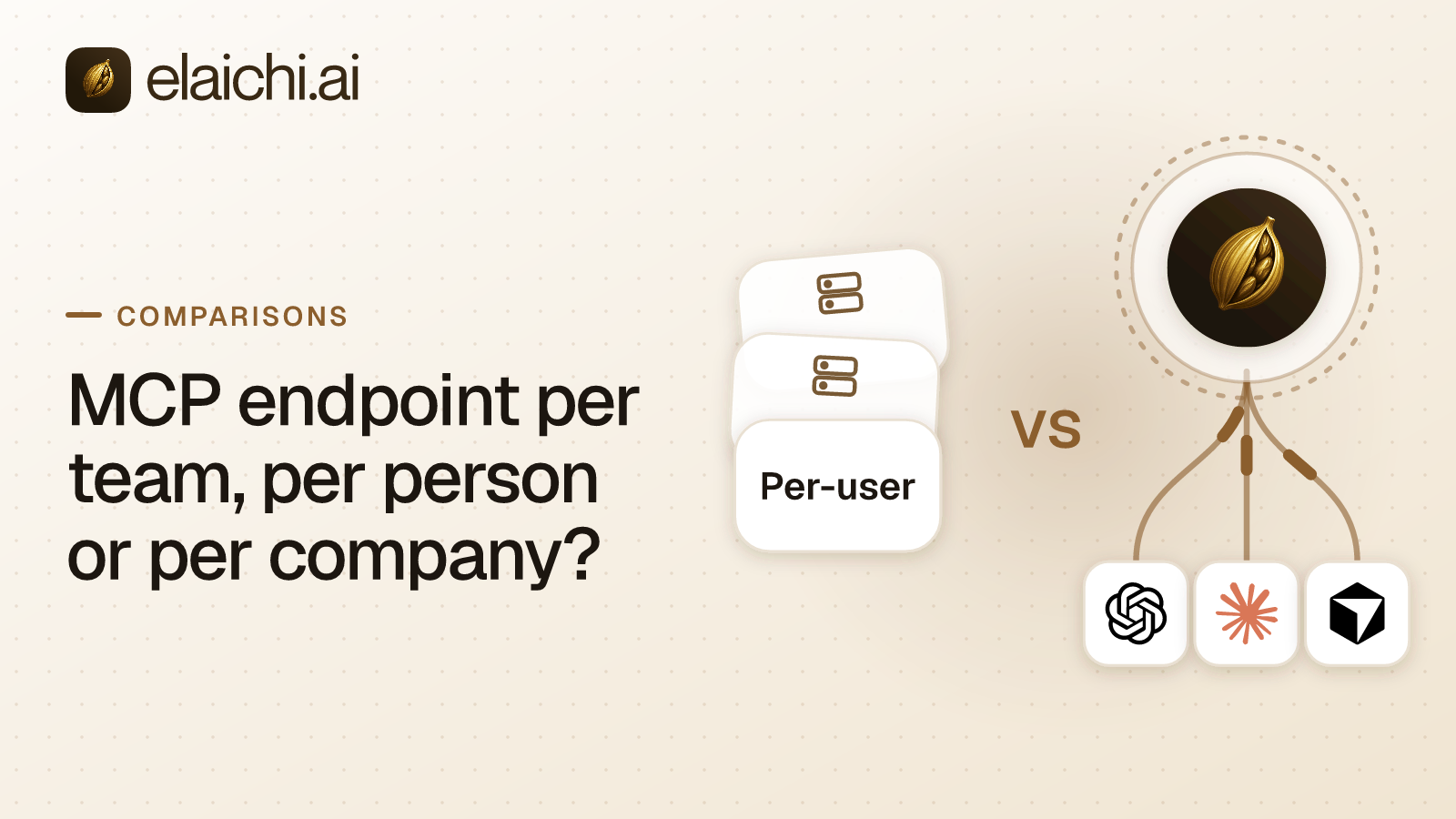
It decides where identity lives. The team can sit in the URL, or each person can own a server. Otherwise one server serves everyone and identity moves into the sign-in. Those are the three models:
- Per-team endpoint. Each team gets its own address, so the team is part of the URL.
- Server per member. Each person gets a server of their own, usually with their own connected accounts behind it and sometimes a token for scripts. The URL can still be shared: Zapier MCP gives every client the same URL and each member a server per client.
- One org-wide endpoint. One address for the whole company. The person signs in through OAuth, and the resulting grant (the authorization their client holds from then on) decides what they reach.
| Concern | Per-team endpoint | Server per member | One org-wide endpoint (Elaichi) |
|---|---|---|---|
| Setup at 200 people and three clients | 15 console entries for five teams | 200 servers, one per person | 3 console entries, one per client |
| Someone changes team | Their clients move to the new team's URL | Their server keeps what they connected | A role or rule edit, in effect within about two minutes |
| Someone leaves | Check every team address they used | Find their server and any long-lived token | One membership action, and the next call is refused |
| Where the record lives | Ask whether every team address shares one trail | Ask whether one query spans every member's server | One trail for the whole organization |
| Reach of a bad rule | One team | One person | Everyone, until it is fixed |
| Best fit | Teams that must be provably separate | Ten people, one client, one or two apps | Several clients, and people who move between teams |
The choice sets your ongoing work. A URL is configuration inside somebody else's product, so a team address in three admin consoles means three edits whenever that team changes. A grant is state in one system, changed with one edit. Elaichi serves one organization-wide endpoint, POST /mcp: standard MCP over Streamable HTTP, JSON-RPC 2.0, stateless, behind OAuth. No URL is issued per toolbox (a saved set of tools and accounts), and the address carries no token.
What do the three shapes cost to set up at 200 people?
Per-team setup multiplies by teams times clients, per-member setup by headcount, and org-wide setup by clients alone. At 200 people in five teams, using Claude, ChatGPT and Cursor, the counts come out like this:
- Per-team endpoint: fifteen console entries and five addresses, each with an owner and each able to drift.
- Server per member: at least 200 servers, up to 600 where the vendor creates one per client as Zapier MCP does, and up to 600 sign-ins, because each person signs in inside each client they use. Scripts add a token per server wherever the vendor issues one.
- One org-wide endpoint: three console entries and one address, with no token in it. Each member still connects it once per client and signs in.
The sign-in count is similar in the last two. What differs is what a sign-in creates: a server that belongs to one person, or a grant against the address everyone shares. A fourth MCP client later is one more console entry, not a new rollout.
The counts are not the real cost. A per-member shape spreads decisions out, because each person picks which accounts to connect. The answer to "who can reach billing data" is then assembled from 200 local choices. In the org-wide shape it is one rule on a role, written once and readable in one place.
Joining is the other half. Elaichi has four onboarding paths: emailed single-use invite links with roles and teams pre-assigned, verified-domain auto-join with a default role, SCIM provisioning, and just-in-time SSO. SSO (single sign-on from your identity provider) runs over SAML or OIDC. SCIM v2 (the standard that syncs users and groups) brings the groups in, and each group maps to a role. A new hire in the finance group arrives with the finance persona and nothing else.
Copies differ too. The Elaichi address pasted anywhere still asks for a sign-in, so a copied URL is not a copied capability. For a team address, ask its issuer what a copy allows.
Which vendors split the address by team, or the server by member?
Composio documents the per-team shape, and Zapier MCP documents the per-member one. Both describe real governance, so the fork is where identity lives, not governance against none.
Composio's MCP Gateway page says each team gets its own MCP endpoint "carrying only the tools it is permitted to use" (composio.dev/mcp-gateway, checked September 2026). The endpoints sit behind "one gateway, every server", with SAML or OIDC single sign-on and SCIM 2.0 provisioning.
Composio's enterprise page describes permissions "set administratively, per user and per role, down to the individual action" (composio.dev/enterprise, checked September 2026). The same page says every tool call is logged with the user, team, tool, action and outcome, denied calls included. Self-hosting comes at the Enterprise tier.
Composio's homepage names end users who want an AI assistant to act in apps, and developers building agents (composio.dev, checked September 2026). Composio Connect, an MCP server at connect.composio.dev/mcp, gives an agent access to 1000+ apps through 7 meta-tools (Composio Connect docs, checked October 2026). A builder usually starts from one team and from code, and a per-team address is a natural unit for that reader. The side-by-side on Composio and Elaichi covers the wider feature ground.
Zapier MCP documents the per-member shape in so many words. Every client connects to the same Zapier URL, and "Each MCP client gets its own MCP server: one for Cursor, one for Claude, one for ChatGPT." For token-based clients, Zapier adds: "give each user their own server and token rather than sharing one" (how Zapier MCP connections work, checked October 2026). In an organization rollout, "each member still signs in and runs tool calls as themselves" (Zapier MCP rollout docs, checked October 2026). Admins can restrict members to a Zapier workspace, and app and action restrictions apply through MCP.
For most MCP clients, the member adds Zapier inside the client and signs in, and Zapier creates the server during that sign-in. Code you write, and clients not on Zapier's list, use a connection token instead. The token is long-lived, tied to one server, and grants whoever holds it the ability to run the server's tools. Zapier says to treat it like a password and never distribute it (how Zapier MCP connections work, quickstart, checked October 2026). A longer look at Zapier MCP against one endpoint covers that model in full.
What moves into the grant when the address stays fixed?
With one address, everything that would have varied the URL has to vary somewhere else. In Elaichi it varies across three layers, and keeping them distinct is how you predict what a person sees.
Roles hold permissions, which is RBAC (role-based access control): 58 action strings grouped into personas. A unique index keeps every member to exactly one role. Sharing works by grant: a resource can be shared with view, use or edit rights to one user, a team or the whole organization. A member's listing holds what they own and what someone shared with them, and nothing more, even for org owners and admins.
Restrictions are the governance layer, the rules that decide which connectors and which individual tools a target may reach. In Elaichi, restriction targets are role or user only; the organization default is the absence of a rule, which means allow everything. A rule aimed at a member can only narrow what their role allows, and never replaces or loosens a role rule. Inside each layer, allow rules combine, block rules combine, and a block always beats an allow. One resolver (the code that decides allow or deny) enforces all of it. It runs at every place a member can reach a connector or tool, including listing, connecting, advertising, executing, the final outbound-request check and opening a stored tool file.
Frozen parameters sit under the same resolver. A frozen key is hidden from the schema the model is shown. Its value overrides whatever the caller sends, so sending the key does not unfreeze it.
Does one address hand the model every tool at once?
No. In Elaichi, connected tools are never listed one by one, however few there are. The model reaches them through search_tools and runs one with execute_tool. That second tool is only a naming indirection, and it passes the same gates as any other call.
The tool list itself is filtered by the caller's role and by the scopes on the grant. A restricted tool is withheld from the tool list and cannot be called, and search names it only as restricted, with no schema. So a tool someone expected and cannot run is likelier a permission gap than a typo. Control-plane operations stay listed individually, and search_tools never returns one.
How fast does a team change take effect?
In Elaichi, changing someone's role or a restriction takes effect within about two minutes. Both pass through a 60 second cache and then out to the edge, the same way on MCP, the console and REST. Grant revocation, member removal and suspension run on a faster clock. The OAuth grant is read fresh on every call, and removing or suspending a member revokes every live grant in the same transaction as the membership change. For those three, the next call already reflects the change.
A URL does not follow a person between teams. A per-team move means pointing that person's clients at another URL. A per-member server keeps whatever its owner connected, whichever team they now sit in. With one org-wide endpoint the move is a role edit, and no console changes.
What happens the hour somebody leaves?
With one org-wide endpoint, a departure is one action on the membership. In Elaichi the next call from any client that person signed in to is refused, because the grant is checked on every call.
Removal also runs a preflight. It lists every connection the departing member owns, private and shared alike. A private connection that a shared toolbox relies on blocks the removal until the admin transfers it to another active member; offboarding never hands a connection to the organization, to a team, or to the admin running the removal. A private connection nothing else depends on cannot be transferred and is deleted with the member. A shared connection a team still depends on is left untouched unless the admin deletes it, so transfer it to someone who is staying, which leaves every grant on it as it was.
In a per-member shape, you have to find each of the person's servers and, for code-based clients, a long-lived token. Ask any per-member vendor what becomes of a member's server when that member leaves. Zapier's MCP security page does not say (Zapier MCP security, checked September 2026), so settle it during the trial rather than assume.
In a per-team shape, check that removing someone from your identity provider closes every team address they used. The full offboarding sequence when connections are still in use gives the order to work in.
Which shape tells you which account the agent wrote to?
The audit log (the record of who did what) answers it, and the address model decides how many logs you search. Elaichi writes one entry for each connected-tool call that reaches execution (a call refused earlier writes none), and each entry names which account the call actually reached. For the fields a row needs and why, see what an AI audit record has to capture.
With one org-wide endpoint there is one audit trail per organization, so one query covers every team and every client. With several addresses, ask whoever runs them whether the records land in one queryable trail. Zapier MCP, for one, keeps user-level activity logs for tool calls in a History tab (Zapier MCP security page, checked September 2026). The open question is whether one query spans every member's server.
Where do credentials sit when everyone shares one URL?
Not in the endpoint, and not in Elaichi. Connector secrets live in a separate credential service, one set per account, encrypted with AES-256-GCM at rest. That service owns refresh too, and a refresh that fails flags the connection needs_reauth instead of failing quietly.
A connect URL is not a credential either. It is a one-time session with no token in it, which is why Elaichi can return one over MCP. Reading an account's configuration back lists which paths are secret, as secret_paths, without their values.
The endpoint has its own gates. The tool:execute permission sits ahead of every scope. Without it, tools/list is empty and a call comes back with an in-band error that names the missing permission. Guest, Auditor and Billing Admin lack it. The OAuth scopes are mcp:read, mcp:write, mcp:destructive and mcp:tools, and a tool classified forbidden is reachable under none of them.
When is a separate address per team or per member the better fit?
A separate address wins when the team or the person really is the unit you manage. A per-team address is the right call in four cases:
- An agency or holding company where each client team must be provably separate, including at the address level.
- An address built into code one team ships, where a stable per-team URL is part of the build.
- Teams that buy their own tools on their own budgets, with no central IT owner.
- Two teams, no movement between them, and no plan to add another.
In those cases the multiplication never happens, and a URL that carries team identity is a feature.
A server per member wins at small scale: ten people, one AI client, one or two apps, and automation already living in the same account. That group does not need a control plane, and buying one adds a seat line for a problem it does not have.
Usage points the same way. Zapier MCP has no separate billing (Zapier MCP usage, checked September 2026). Each successful tool call through the server consumes two tasks, failed calls consume none, and tasks count toward the plan's allowance. If that fits a plan you already pay for, the per-member shape is cheaper in money and in attention.
Both shapes start to cost more than they save when three things are true at once. More than one AI client is in use. People join, move and leave every month. And somebody outside your team asks which account an agent wrote to.
What does one org-wide address not fix?
It concentrates risk rather than removing it. One address is one place to get wrong, and a mistake reaches everyone until somebody fixes it.
Two rule traps catch people early. First, the allowlist stage engages on the presence of an allow rule, not its contents, so an allow rule that names nothing denies everything. Second, block rules match on a tool's name or its pinned operation, while allow rules match on the pinned operation only. Whoever edits a connector's documentation can change a tool's advertised name, so governance binds the operation. Why blocks match the name and allows match the operation walks through it.
One address does not buy prompt-injection protection. The prompt-injection write gate lives in the Elaichi agent window and does not apply to a raw tool call. An MCP server is never shown the user's prompt, so a gate there would have nothing to read. The endpoint still enforces RBAC per operation, the forbidden classification, output redaction and scope limits, and it logs every call that reaches execution.
Residency follows the region chosen at creation. Elaichi has three regions, EU, US and APAC. For EU and US, the organization's data store and the execution of its org-scoped requests and tool calls stay in that jurisdiction. APAC uses best-effort placement and is not a residency guarantee. The audit trail is stored in one EU log instance for every region. Deleting an organization deletes its connector credentials but leaves three stores: the audit history, analytics events, and the credential service's organization, environment and installed-connector configuration rows. Elaichi reports that residue by name.
Seats are the last cost. Gold's USD list price is $15 per user a month, or $120 per user a year. The pricing page shows the regional price some countries see. Suspended members and the free roles (Guest, Billing Admin and Auditor) are not billed. Per-seat pricing is predictable at 200 people and indifferent to how heavily anyone uses it, which cuts both ways.
When is it too early to choose any of the three?
If one team uses one app through one client, and nobody has asked who did what, you do not need any of these shapes yet. Connect the app in the client, write down who has it, and revisit when a second team asks. The argument for skipping a gateway for now is real, and a control plane for three people is overhead you feel every month.
How do you pick an address model and roll it out?
Decide with four checks, in order. If team identity must show in a URL, for isolation or for code a team ships, a per-team address fits. If you are ten people on one client with one or two apps, a server per member is cheaper. Otherwise, multiply teams or people by clients and decide whether you want to own that number while people move. Last, look at where the connectors come from. Elaichi serves the 600+ connectors in its own catalog, authoring most of them and publishing vendors' own MCP servers for the rest.
For one org-wide endpoint, set it up in this order, because each step narrows the one after it:
- Create the organization and pick its region, which is set at creation.
- Turn on SSO and SCIM, and map identity provider groups to roles, so joining is not a manual step at 200 people.
- Connect the accounts each team needs before anyone points a client anywhere.
- Write restrictions against roles first, and add user rules only to narrow one person.
- Add the endpoint in Claude, ChatGPT and Cursor wherever the client lets an admin do it, then have each member connect it and sign in.
- Give whoever reviews access an Auditor seat. It is free and read-only.
- Remove a test member and watch the preflight, so the first real departure is not the rehearsal.
If the servers are yours, the self-hosted cost breakdown covers who runs them. What an MCP gateway is maps the wider category, and the team rollout pages start from the systems each team already runs.